EasyManua.ls Logo

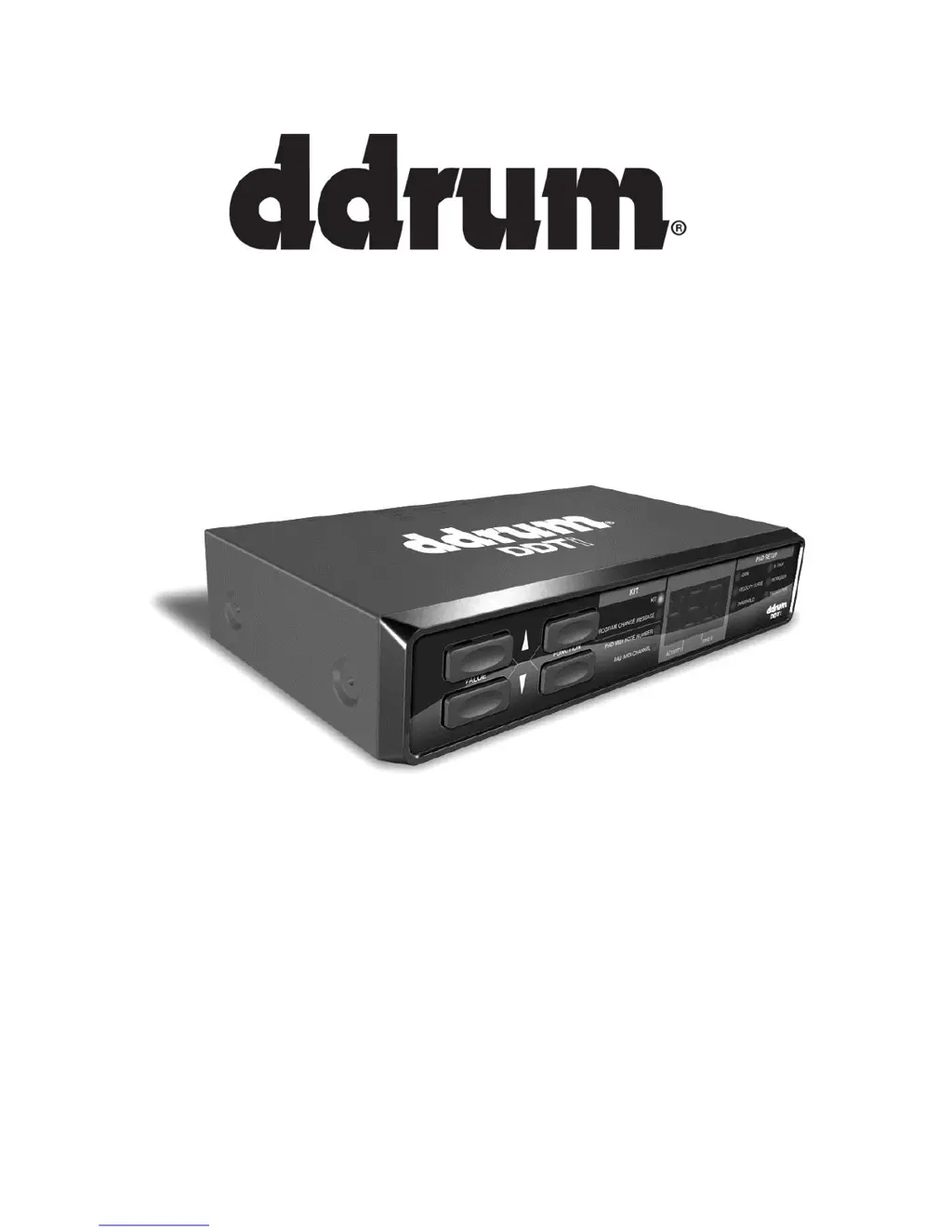
ddrum DDTi - User Manual

ddrum DDTi
34 pages
Print Icon
To Next Page IconTo Next Page
Loading...
REFERENCE MANUAL

Questions and Answers

  • K
    kylewrightSep 8, 2025
    What to do if facing problems caused by use of a USB hub with ddrum DDTi?
    • D
      Duane GriffinSep 8, 2025
      If you're experiencing issues with your ddrum USB Interfaces due to a USB hub, try unplugging the DDTi from any USB hubs and connecting it directly to the computer.
  • Z
    Zachary RojasSep 10, 2025
    How to check if software is receiving MIDI data from ddrum USB Interfaces?
    • W
      william94Sep 10, 2025
      If your software application isn't receiving MIDI data when using ddrum USB Interfaces, many software applications have MIDI IN and OUT indicators. Play the triggers and look for the MIDI IN light to indicate activity.
  • A
    Amanda SmithSep 12, 2025
    What to do if DDTi USB is not properly connected to ddrum USB Interfaces?
    • R
      Rachel KingSep 12, 2025
      If the DDTi USB is not properly connected, check your computer’s USB connections to confirm that the DDTi is recognized and installed. Turn your computer off and then on again if necessary. (Choose “shut down” rather than “restart” to ensure that the USB devices are properly reset.)
  • P
    Peter SweeneySep 13, 2025
    Why is ddrum DDTi USB Interfaces MIDI channel not working?
    • D
      Daniel MoodySep 13, 2025
      If the DDTi’s MIDI channel isn't the same as the target device’s incoming MIDI channel, ensure that the DDTi is sending on the channel that the target device expects.
  • P
    pmckenzieSep 15, 2025
    How to calibrate ddrum DDTi for proper hi-hat sounds?
    • A
      Andrea JordanSep 15, 2025
      If your hardware or software program does not completely open or close your hi-hat sounds as it should as your foot moves through the range of your variable-position hi-hat pedal, the DDTi probably needs to be calibrated to match the output of your particular pedal.
  • G
    gjenkinsSep 18, 2025
    What to do if wrong kit selected remotely on ddrum DDTi?
    • E
      Emily CobbSep 18, 2025
      If you get the wrong kit or nothing happens when trying to change kits remotely with your footswitch pedal connected to ddrum USB Interfaces, make sure the software application can receive MIDI Program Change messages, as some programs do not accept these messages. If you are using a hardware module, make sure the drum kit you are selecting matches the program change number that you set for that kit on the DDTi.

Summary

Ddrum DDTi Front Panel Controls

Front Panel Function and Value Buttons

Description of the FUNCTION UP/DOWN and VALUE UP/DOWN buttons for navigating DDTi functions and parameters.

Ddrum DDTi Hookup Diagram

Ddrum DDTi Computer Installation

Getting Started with DDTi Kits

Editing DDTi Kits Overview

Configuring Trigger MIDI Channel

Configuring Trigger MIDI Note Number

Ddrum DDTi Global Parameter Settings

Ddrum DDTi Trigger Gain Adjustment

Ddrum DDTi Velocity Curve Settings

Ddrum DDTi Trigger Threshold Settings

Ddrum DDTi X-Talk (Crosstalk) Settings

Ddrum DDTi Retrigger Settings

Ddrum DDTi Trigger Type Settings

Ddrum DDTi Hi-Hat Pedal Usage

Ddrum DDTi Special Messages

Factory Reset Procedure

Resets the entire DDTi unit to its original factory default settings.

MIDI SysEx Data Transfer

How to transfer DDTi settings and presets using MIDI System Exclusive (SysEx) messages.

Ddrum DDTi Troubleshooting Guide

ddrum DDTi Specifications

General IconGeneral
Brandddrum
ModelDDTi
CategoryUSB Interfaces
LanguageEnglish