EN-10
OPERATING PARAMETERS
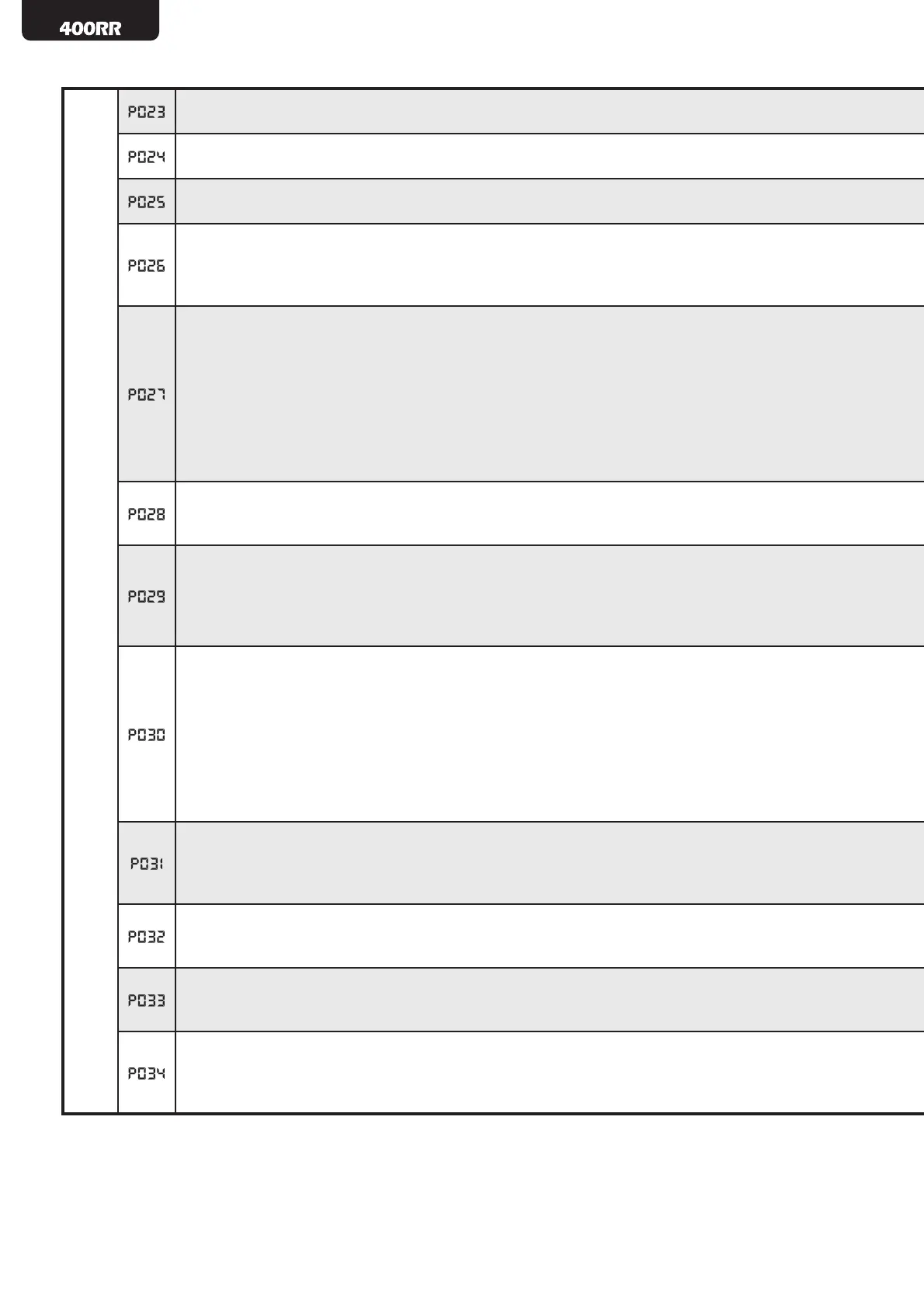
Collectivity function: if it is activated it deactivates both start and pedestrian inputs for the whole duration
of automatic opening and closing.
Ram blow function: if it is activated, it pushes the motors close for one second before each opening
movement, so as to ease the releasing of any electric lock.
Operating program: reversal (start->open, start->close, start->open ...), step-by-step (start->open, start-
>stop, start-close...)
PHOTO input functioning: if=0 photocells are activated while closing and at start when gate is closed; if=1
photocells are always activated; if=2 photocells are activated while closing only. PHOTO input activation,
when activated, provokes: the inversion (while closing), the stop (while opening) and prevent the starting
(when gate is closed).
Clean contact operation:
- If=0, open gate fi xed warning light, the contact is always closed when the gate is moving or opened, it
opens again only when the closing movement is completed;
- If=1, open gate intermittent light, the contact is slow while opening and fast while closing, always closed
when the gate is opened, it opens again when the closing movement is completed;
- If>1 courtesy light, the contact is closed during every movement, it opens again when the motor stops
according to a pre-settable delay (expressed in sec);
Warning: if P029=2, the value assigned to P027 is not considered and the contact is used to pilot an
eventual electro-mechanical brake.
Short reversal at end of stroke: when the gate/door reaches the end of stroke, it reverses shortly the
movement so as to “release” the mechanical stress due to the gate/door’s pressure on the end of stroke
itself.
Anti-inertia braking devices: if=0 no devices foreseen; if=1 electrical brake is activated: the command
circuit drives the operator so to generate a braking force at each stop; if=2 electro-mechanical driving is
activated.
Warning: in this case the clean contact can’t be used as opened gate warning light or courtesy light. Refer
to picture 1 at page 67 and to instructions manual of the operator to connect the electro-mechanical brake.
“PED“ input functioning
-If=0, it ensures the door or gate closing in any position, “AP” input works normally.
-If=1 the “PED” input starts the closing while “AP” starts the opening.
-If=2 the “PED” input (permanent command) starts the closing, the “AP” input (permanent command)
starts the opening. The gate stops at release.
-If=3 the “AP” input starts the opening up, the “PED” input (permanent command) starts the closing up.
The door stops once released “PED”.
-If>3 “PED” starts the pedestrian opening. The selected value indicates the duration of the pedestrian
stroke (expressed as a % of the total stroke). The “AP” input normally works.
Limitation of motor force when it reaches the end of stroke while closing
-If=0, limitation is disabled (force level at the end of stroke is set automatically);
-If≠0, it indicates the force value (expressed as a % of the max value) the motor exerts at the end of stroke
while closing.
Reaction at detection of an obstacle while opening
-If=0 the door inverses travelling direction;
-If≠0 the door inverses travelling direction only for the set time (expressed in sec).
Reaction at detection of an obstacle while closing
-If=0 the door reverses travelling direction;
-If≠0 the door reverses travelling direction only for the time set (expressed in sec).
Operation with or without encoder
-If=0 the encoder is installed: the speed adjustment and the anti-crushing device are available
-If=1 the encoder is not installed: the speed adjustment and the anti-crushing device are not available. It is
necessary to use the limit switches.


 To Next Page
 Loading...