EC-5 5 COLLECTING DATA
6. Click on Sensors (this should open a new page with a file tree
on it).
7. Under the “Sensors” file tree, double-click on “Meteorological”
and then select “Soil Moisture.”
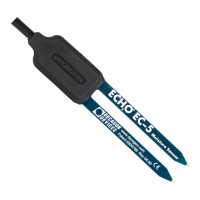
8. Choose “EC-5” Sensor.
5.4 Removing the Sensor
When removing the sensor from the soil, do not pull it out of the soil
by the cable. Doing so may break internal connections and make the
sensor unusable.
13


 To Next Page