EasyManua.ls Logo

Decathlon 500 - 3. Getting Started; 3.1. Battery Installation; 3.2. Unit Selection; 3.3. User Profile Setup

Decathlon 500
147 pages
Print Icon
To Next Page IconTo Next Page
To Previous Page IconTo Previous Page
Loading...
3. Directions for use
3.1. Insert the batteries
- Open the battery compartment cover on the back of the scale.
- 
indications in the battery compartment. The LCD screen will be displayed full screen.
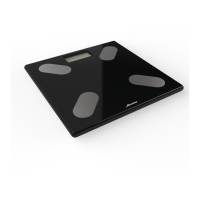
- Close the battery cover and wait for the «0.0kg» numbers to appear on the display.
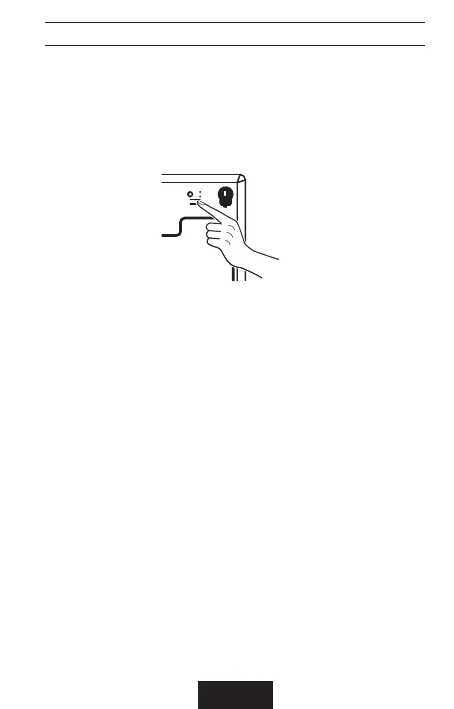
3.2. Choosing the unit of measurement

󰘵
3.3. 󰄈󰄈
 󰘰
󰘰
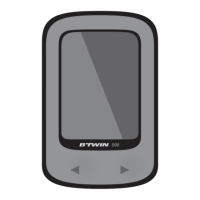
and > arrows
󰘰
 󰘵


󰘰
 󰘵
󰘰
 󰘵
󰘰
 󰘵
Once the parameters are set, the scale will ask you to weigh yourself in order to asso-
󰘰
detect the user at each weighing depending on its weight. 
weighing barefoot and completely undressed.
EN - 3

Related product manuals