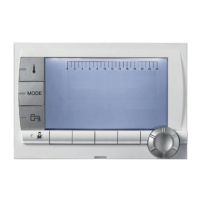
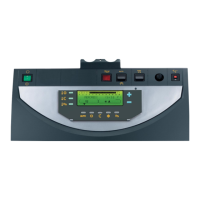
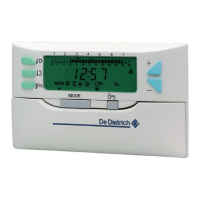
DIEMATIC iSystem - Settings to be made for this type of installation: Master boiler
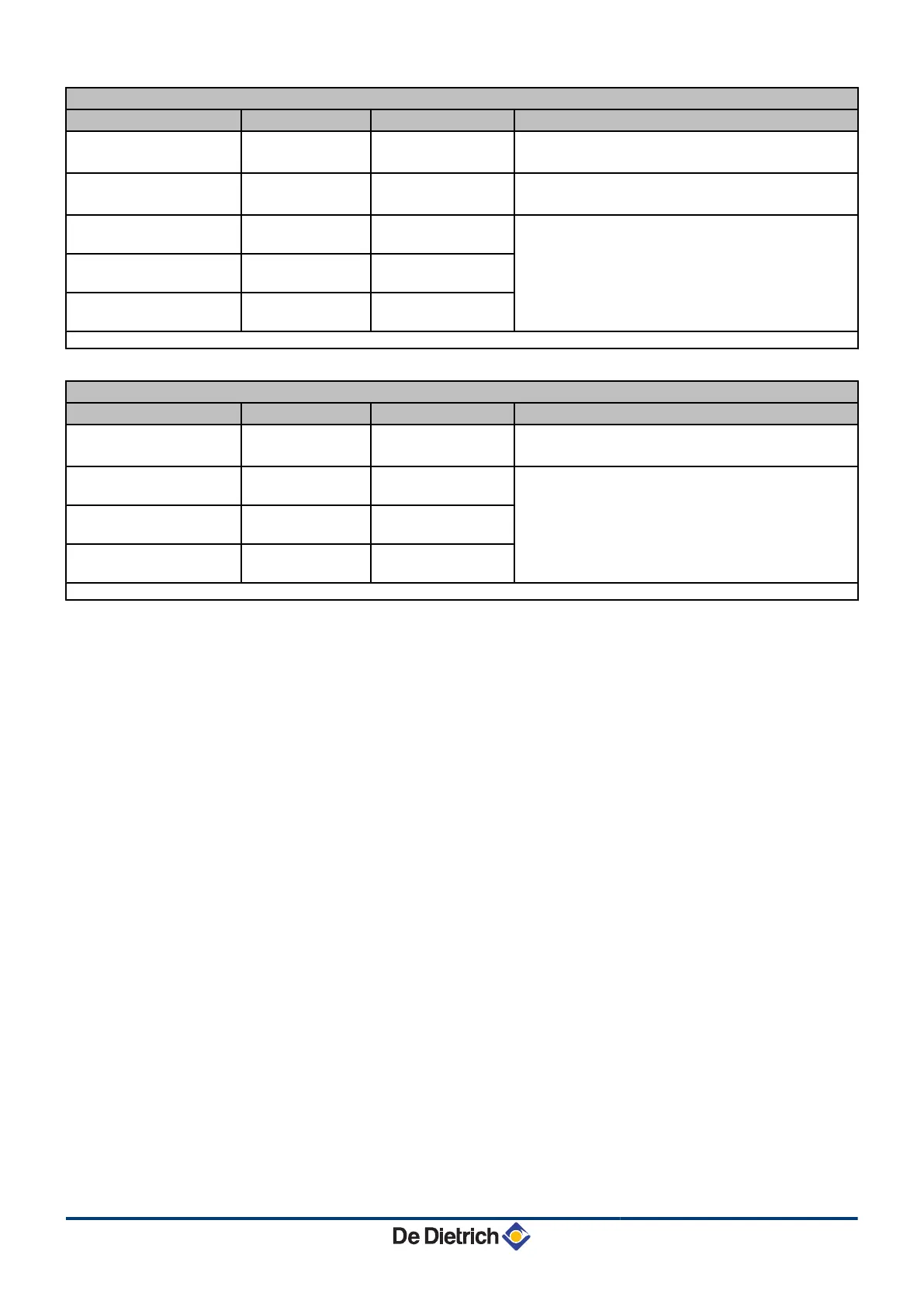
Parameters Access Settings to be made See
INSTALLATION
Installer level
#SYSTEM Menu
EXTENDED
¼ "Displaying the parameters in extended mode",
page 33
P.DHW
(1)
Installer level
#SYSTEM Menu
PUMP
¼ "Setting the parameters specific to the
installation", page 33
CASCADE
(1)
Installer level
#NETWORK Menu
ON
¼ "Configuring the network", page 60
MASTER CONTROLER
(1)
Installer level
#SYSTEM Menu
ON
SYSTEM NETWORK
(1)
Installer level
#SYSTEM Menu
ADD SLAVE
(1) The parameter is only displayed if INSTALLATION is set to EXTENDED
DIEMATIC iSystem - Settings to be made for this type of installation: Follower boilers
Parameters Access Settings to be made See
INSTALLATION
Installer level
#SYSTEM Menu
EXTENDED
¼ "Displaying the parameters in extended mode",
page 33
CASCADE
(1)
Installer level
#NETWORK Menu
ON
¼ "Configuring the network", page 60
MASTER CONTROLER
(1)
Installer level
#SYSTEM Menu
OFF
SLAVE NUMBER
(1)
Installer level
#SYSTEM Menu
2, 3, ...
(1) The parameter is only displayed if INSTALLATION is set to EXTENDED
4. Installation Diematic iSystem For C 330 / C 630 ECO
25
31082018 - 7600691-001-06


 To Next Page
 Loading...