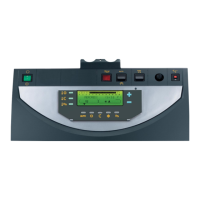
Settings to be made to connect a second tank
Parameters Access Settings to be made See
INSTALLATION
Installer level
#SYSTEM Menu
EXTENDED
¼ "Displaying the parameters in extended mode",
page 33
If second tank connected:
S.AUX
(1)
Installer level
#SYSTEM Menu
DHW
¼ "Setting the parameters specific to the installation",
page 33
(1) The parameter is only displayed if INSTALLATION is set to EXTENDED
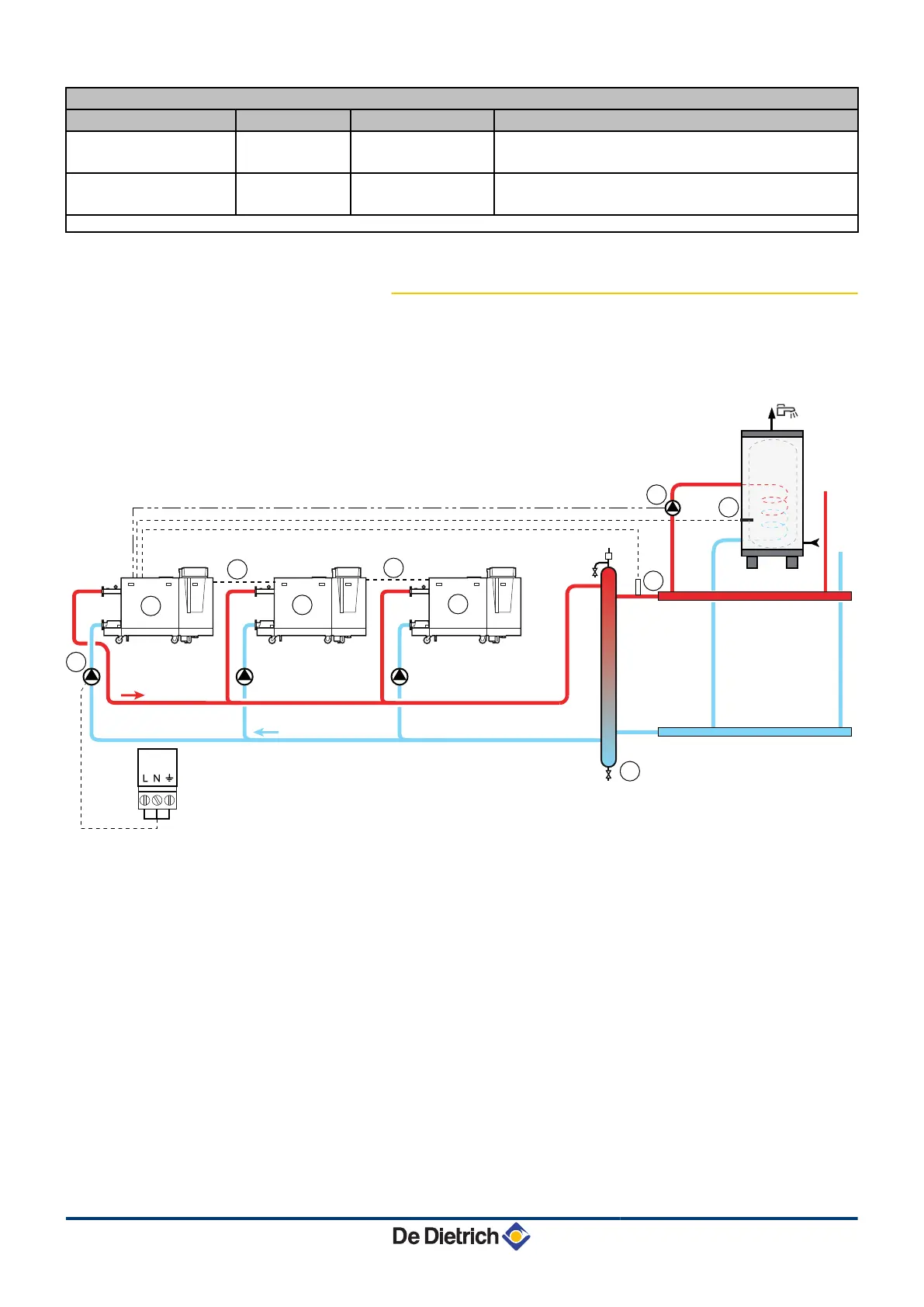
4.4.8. Connection in cascade
n
DHW tank after the mixing tank
A
Master boiler (DIEMATIC iSystem)
Z
Secondary boiler (DIEMATIC iSystem or IniControl)
E
Secondary boiler (DIEMATIC iSystem or IniControl)
R
Cable BUS
T
Boiler pump
Y
Low loss header
U
Cascade outlet sensor
Connect the sensor to the terminal block S SYST on the
master boiler.
I
D.H.W. load pump
O
Connect the DHW sensor (Package AD212)
Diematic iSystem For C 330 / C 630 ECO 4. Installation
31082018 - 7600691-001-06
24


 To Next Page
 Loading...