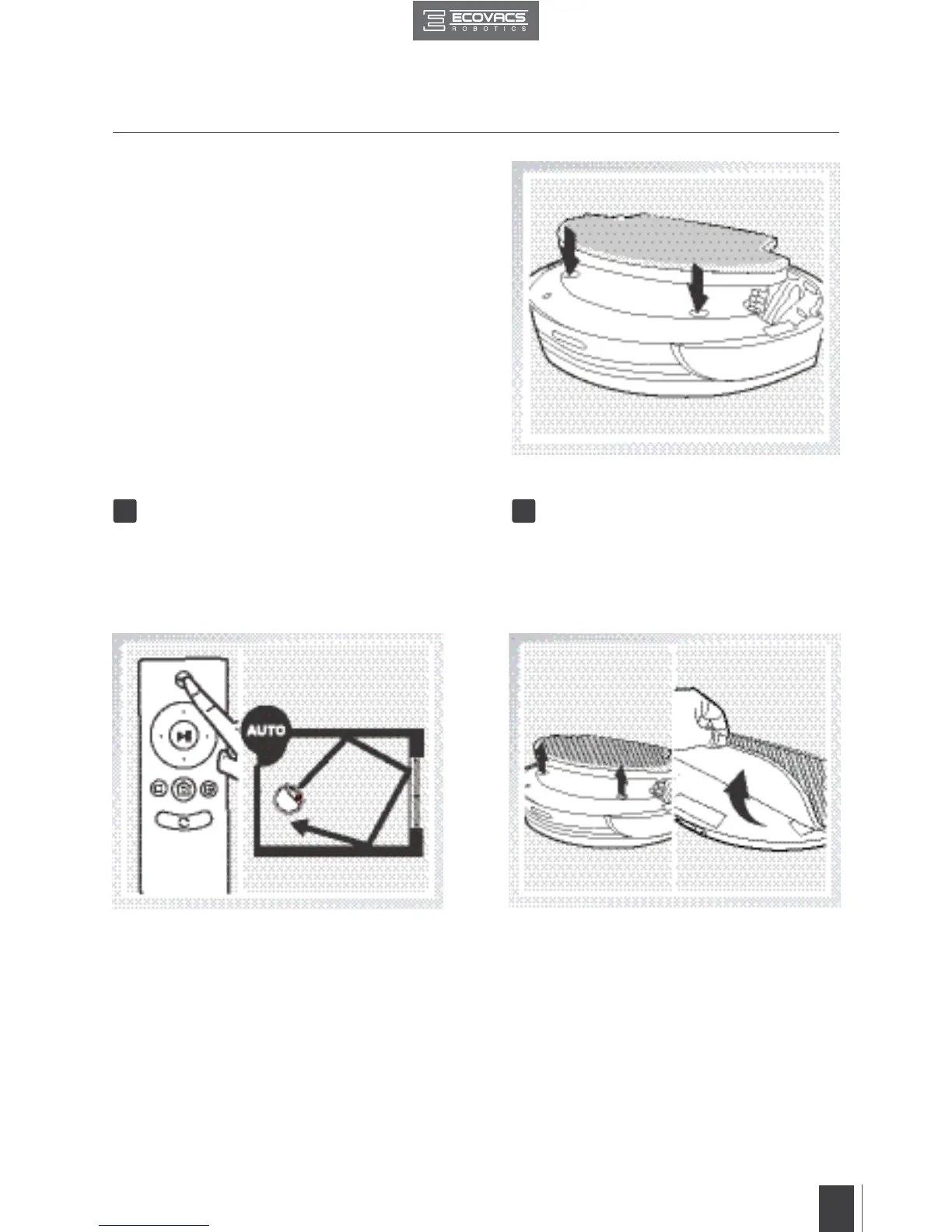
Attach the Water Reservoir to the bottom
of the robot. Insert the tabs on the Water
Reservoir into the Water Reservoir Slots on
the bottom of the robot until you hear a click.
Start Remove
Select the desired Cleaning Mode. DEEBOT
sweeps, vacuums and mops in the selected
mode.
After DEEBOT finishes cleaning, remove
the Water Reservoir from DEEBOT, empty
any remaining water from the Reservoir, and
remove the Cleaning Cloth.
3 4
3. Operating and Programming


 To Next Page