-17-
12.0 FUNCTION DETAILS
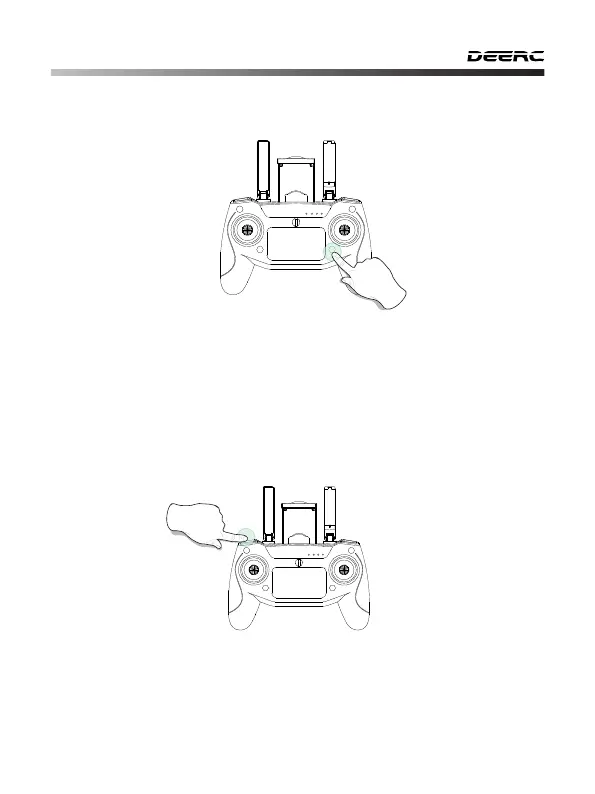
12.1 Speed Switch
11.4 One Key Takeo/Landing
① Short press the One Key Takeo/Landing button, the drone will take o
automatically and hover at 4 feet. Now you can control this drone by using
the joysticks.
② When the drone is ying, short press the same button again, the drone
will automatically land on the ground.
This drone comes with 3 speed modes (Low/Medium/High). Short press
the Speed Switch button on the transmitter to switch the speed.
A “Di” tone indicates Low Speed. A “DiDi” tone indicates Medium Speed. A
“DiDiDi” tone indicates High Speed. (The Low Speed is the default speed
mode)
- - - - - - - - - - - - - - - - - - - - - - - - - - - - - - - - - - - - - - - - - - - - - - - - - - - - - - - - - - -
Please unlock the motors before takeo.



 To Next Page