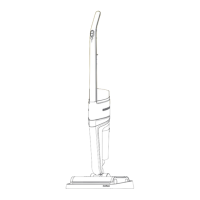
Operation of the product
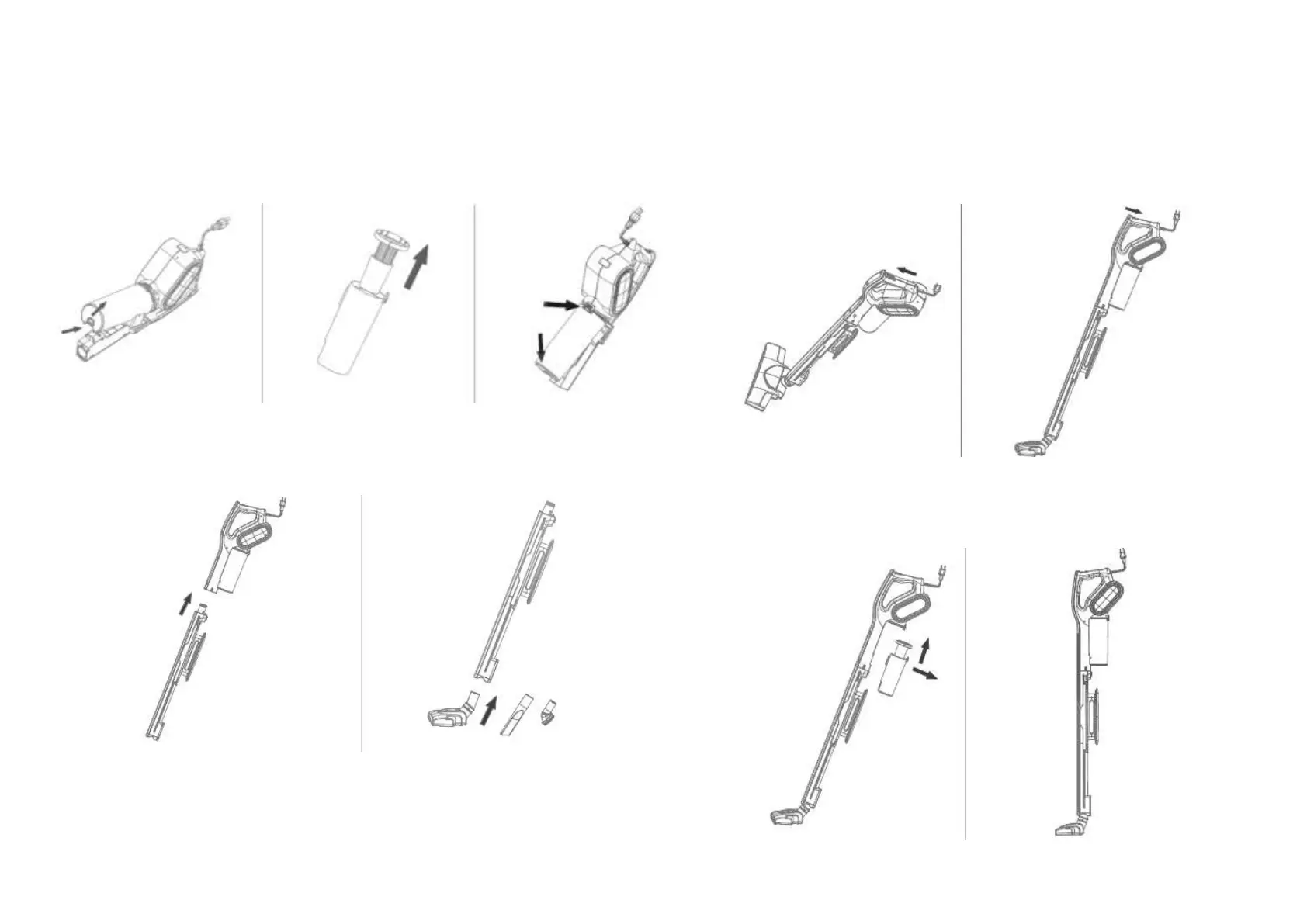
1. Remove the dust collector, check the filtration
components and put the dust collector back.
2. Install the extension tube and brush or the
required nozzle.
Note: the device can be used without an extension tube, for this
install the necessary brush or nozzle in the corresponding groove
on the body.
3. Turn on the device, perform cleaning and
turn off the device.
4. After use, clean the dust container and store the
vacuum cleaner.


 To Next Page