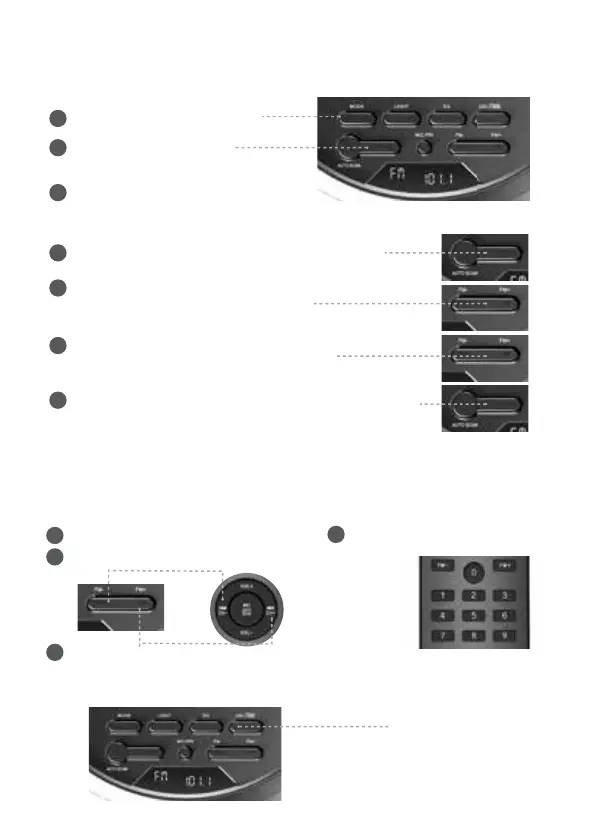
❼ FM radio
❽ ATTENTION
Select FM radio mode
1
Auto tuning
Select FM radio mode
Previous station
Next station
Deleting the station from memory
1
Select FM station
Click -
start auto searching
2
Wait 2-3 min
3
Click, the frequency will start ashing
1
Manual tuning
Click until starts search
previous / next station
2
Click to ne tune the frequency
(if needed)
Long press
3
Long press to store the station in memory
To erase all stations from memory, start automatic search
and immediately stop it with the Play button
4
2
3
Enter station number
4



 To Next Page