Need Help? Visit defendercameras.com/support
6
ADDING YOUR CAMERA
Connect to Wi-Fi and Pair Your Camera
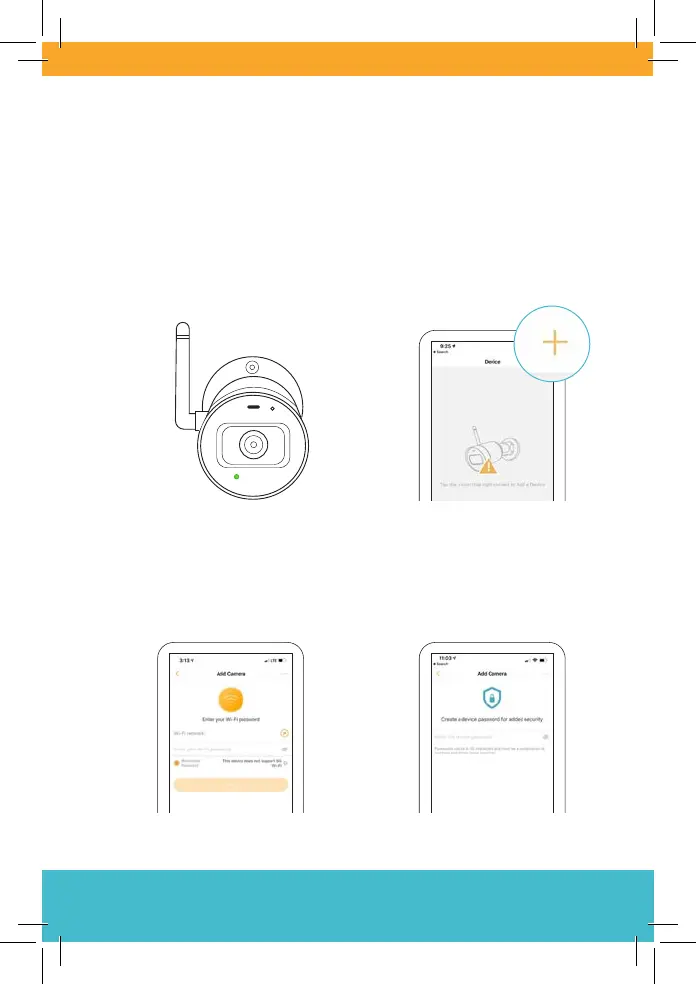
1. After powering on your
device, wait 60 seconds for
the LED to ash green before
pairing.
2. Tap + to add your camera.
Scan the QR code on your
camera and follow the
on-screen steps.
3. When prompted, select your
Wi-Fi network and enter its
password.
4. Enter a device password
to protect your camera.



 To Next Page