EasyManua.ls Logo

Defiant 1002366591 - User Manual

Defiant 1002366591
12 pages
Print Icon
To Next Page IconTo Next Page
Loading...
THANK YOU
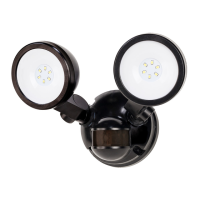
We appreciate the trust and condence you have placed in Deant through the purchase of this motion security light.
We strive to continually create quality products designed to enhance your home. Visit us online to see our full line of
products available for your home improvement needs. Thank you for choosing Deant!
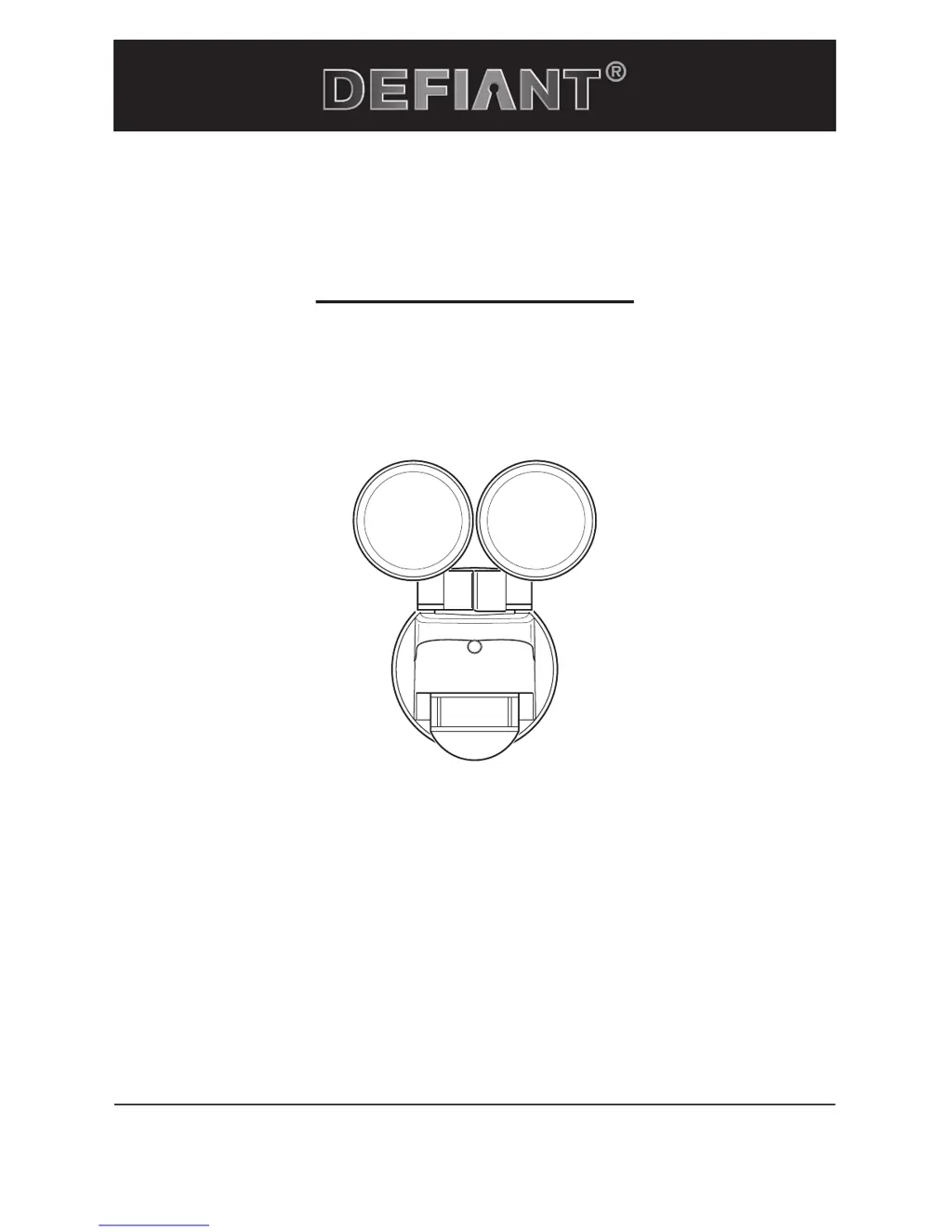
USE AND CARE GUIDE
MOTION SECURITY LIGHT
Questions, problems, missing parts?
Before returning to the store, call Deant Customer Service
8 a.m.-7 p.m., EST, Monday-Friday, 9 a.m. - 6 p.m., EST, Saturday
1-866-308-3976
HOMEDEPOT.COM
Item #1002366429
1002366591
Model #DFI-5852-BK
DFI-5852-WH

Questions and Answers

  • C
    Charles BeasleyAug 6, 2025
    Why does my Defiant 1002366591 stay on continuously?
    • M
      Michael MejiaAug 6, 2025
      Your Defiant Flood Light might stay on continuously because the motion sensor is detecting a heat source like an air vent or heat-reflective surface. Try decreasing the “SENS” setting or moving the sensor. Alternatively, it could be in motion off mode; in that case, switch it to motion on. Also, avoid using dimmers or timers, and ensure the light isn't on the same circuit as motors or fluorescent bulbs.
  • K
    Katherine McguireAug 20, 2025
    What to do if my Defiant Flood Light flashes on and off?
    • C
      christophermorganAug 20, 2025
      If your Defiant Flood Light is flashing on and off, it could be due to heat or light from the bulbs affecting the motion sensor. Try repositioning the lamp heads away from the sensor. Reflected heat from other objects might also be the cause; try decreasing the “SENS” setting or repositioning the motion sensor. If the motion sensor is in “TEST” mode, set the “Test / Timer” control to a timed setting.

Summary

Safety Information

Pre-Installation

Installation

Determining Mounting Location

Guides on choosing optimal mounting height and direction for wall or eave installation.

Installing Mounting Bracket

Details on securely attaching the mounting bracket to the junction box.

Installing Mounting Plate

Steps for routing wires, placing gasket, and securing the mounting plate to the bracket.

Making Electrical Connections

Guide for connecting wires to the terminal block and ground screw correctly.

Mounting the Light Fixture

Instructions for aligning and securing the light fixture to the mounted plate.

Operation

Adjusting Motion Sensor Detection Zone

Performing a 'walk test' to define the sensor's detection area.

Adjusting SENS Control

How to adjust the sensor's sensitivity for motion detection.

Troubleshooting

Defiant 1002366591 Specifications

General IconGeneral
Color Temperature5000K
Light ColorDaylight
DimmableNo
Outdoor UseYes
Voltage120V
Certifications and ListingsETL

Related product manuals