Use and Care Guide
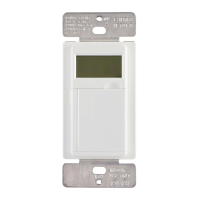
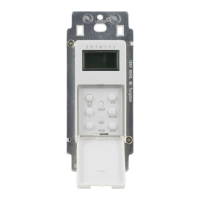
In-Wall App Timer
IP07232014 HOMEDEPOT.com
Please contact 1-866-308-3976 for further assistance.
Installation (continued)
6
INSTALLING THE SWITCH
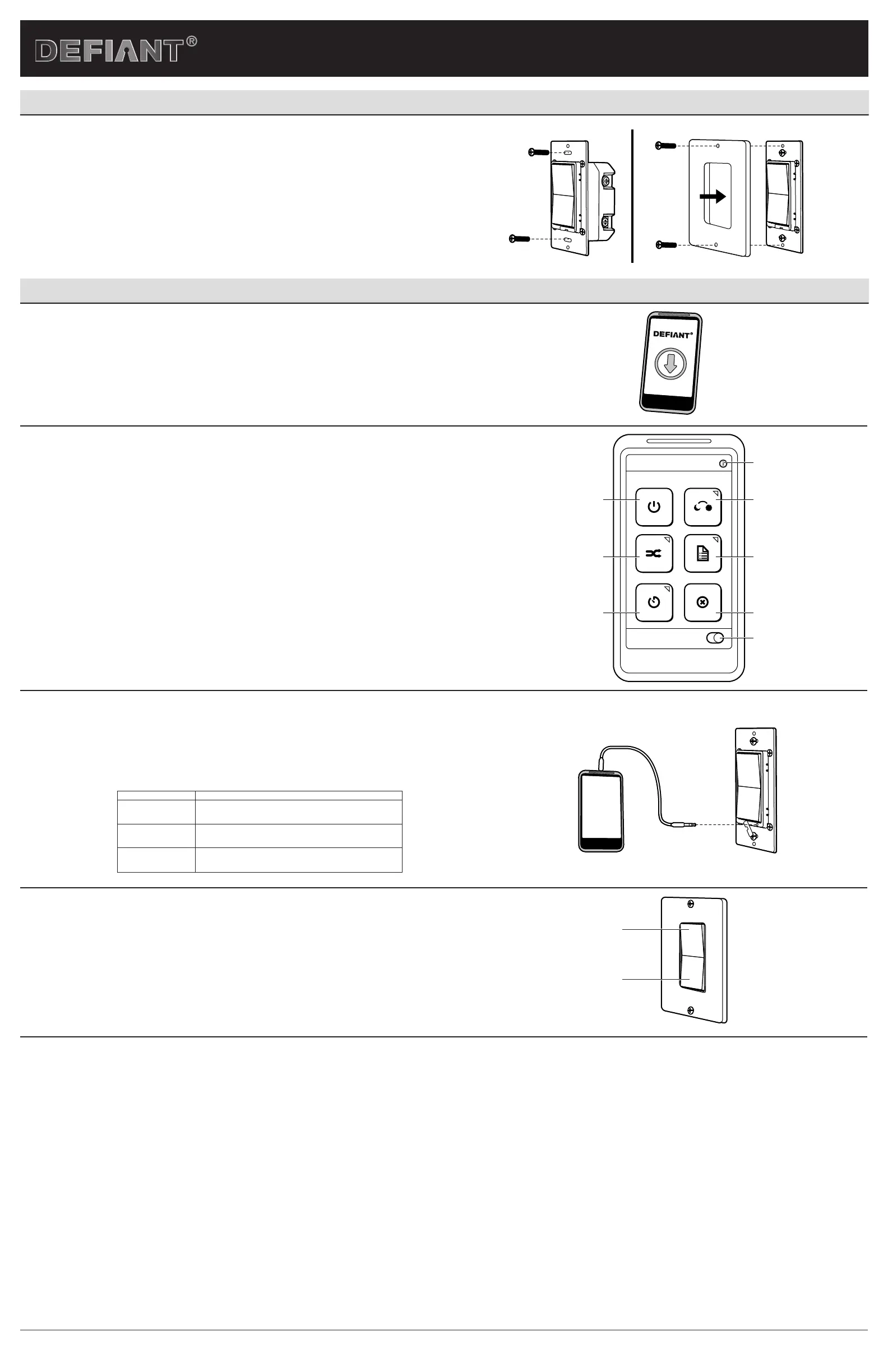
a. Insert the switch into the switch box and be careful not to pinch or crush the wires.
b. Secure the switch to the box using the supplied screws.
c. Mount the wall plate.
d. Restore power to the circuit at the fuse box or circuit breaker and test the system.
e. Timer LED should be ashing.
Operation
1
DOWNLOADING THE DEFIANT APP
□ Go to your Apple or Android smartphone App Store and download the free DEFIANT TIMER app.
2
USING THE APP
This gure shows the main screen of the DEFIANT timer app with the following menu options.
1. on/off – This menu option overrides the current timer programming to turn the connected device on/
off. The timer will follow the next scheduled programmed time.
2. dusk to dawn – This menu option programs your timer to turn on at dusk and off at dawn daily.
3. random – This menu option uses the programmed time to turn on/off randomly to give a “lived in”
look while away.
4. program – This menu option sets up to 5 programs to turn your connected device on/off.
5. countdown – This menu option turns your connected device on for up to 24 hours. The timer will
return to the next programmed time afterwards.
6. clear – This menu option restores your timer and app to default settings or clears the timer of all
programs.
7. Daylight saving – Slide to turn the Daylight Saving time feature on or off depending on if your area
observes daylight saving time.
8. Info screen – All screens on the DEFIANT app have an information page for additional information and
directions on using each menu option in the app.
program
clear
dusk to dawn
random
on / off
countdown
Daylight saving
1 2
8
4
6
7
3
5
3
PROGRAMMING THE APP TIMER
□ Connect the provided 3.5 mm jack to the smart switch and your smartphone or tablet. Gently remove
the rubber guard from the 3.5mm jack.
□ Launch the DEFIANT app on your smartphone or tablet and follow the on-screen guide to add, control,
and program schedules.
□ Remove the jack when you are nished programming the app timer.
TIMER LED TIMER STATUS
Rapid Flashing LED Timer is not programmed. This is the default status.
Always ON Timer is being programmed by the DEFIANT TIMER APP.
Always OFF Timer is programmed and will run your on/off programs.
4
MANUAL OPERATION
□ To manually operate your switch, press the top of the switch to turn the xture ON. Press the bottom of
the switch to turn the xture to Standby/OFF.
□ If you wired your App Timer in a 3-way application, you may also use your 3-way switch to override the
current App Timer programming. The App Timer will follow the next scheduled ON or OFF time.
ON
OFF
FCC NOTE
This device complies with part 15 of the FCC and Industry Canada license-exempt RSS standard(s). Operation is subject to the following two conditions: (1) this device may not cause harmful
interference, and (2) this device must accept any interference received, including interference that may cause undesired operation.
FCC NOTE: The manufacturer is not responsible for any radio or TV interference caused by unauthorized modications to this equipment. Such modications could void the user’s authority to
operate the equipment.
NOTE: This equipment has been tested and found to comply with the limits for aClass B digital device, pursuant to Part 15 of the FCC Rules. These limits are designed to provide reasonable
protection against harmful interference in aresidential installation. This equipment generates, uses and can radiate radio frequency energy and, if not installed and used in accordance with
theinstructions may cause harmful interference to radio communications. However, there is no guarantee that interference will not occur in a particular installation.If this equipment does cause
harmful interference to radio or television reception, which can be determined by turning the equipment off and on, the user isencouraged to try to correct the interference by one or more of the
following measures:
-- Reorient or relocate the receiving antenna.
-- Increase the separation between the equipment and receiver.
-- Connect the equipment into an outlet on a circuit differentfrom that to which the receiver is connected.
Consult the dealer or an experienced radio/TV technician for help
CAN ICES-3(B)/NMB-3(B)


 To Previous Page
 Loading...