EasyManua.ls Logo

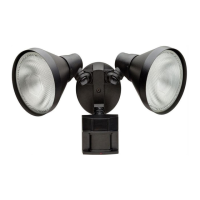
Defiant 750964 - User Manual

Defiant 750964
24 pages
Print Icon
To Next Page IconTo Next Page
Loading...
THANK YOU
We appreciate the trust and condence you have placed in Deant through the purchase of this motion security light.
We strive to continually create quality products designed to enhance your home. Visit us online to see our full line of
products available for your home improvement needs. Thank you for choosing Deant!
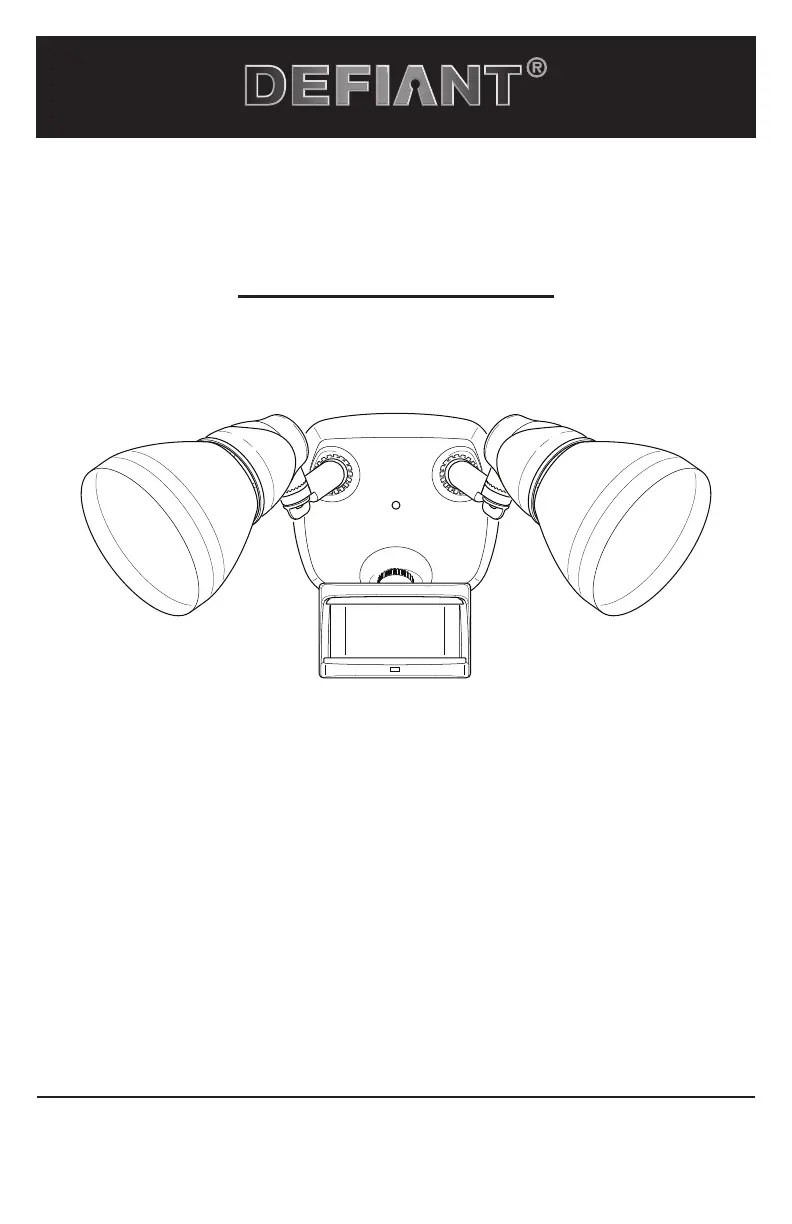
USE AND CARE GUIDE
MOTION SECURITY LIGHT
Questions, problems, missing parts?
Before returning to the store, call Deant Customer Service
8 a.m.-7 p.m., EST, Monday-Friday, 9 a.m. - 6 p.m., EST, Saturday
1-866-308-3976
HOMEDEPOT.COM
Item #750199
750964
747373
Model #DF-5718-BK-D
DF-5718-RS-D
DF-5718-WH-D

Questions and Answers

Summary

Installation

Installing the Mounting Bracket

Steps to securely install the mounting bracket to the junction box.

Wiring the Light Fixture

Instructions for connecting the light fixture wires to the house wiring.

Mounting the Light Fixture

Securely mount the light fixture canopy to the mounting bracket.

Operation

Setting the Sensor for Testing

Configure the sensor to 'TEST' mode for initial setup and operation.

Adjusting the Motion Sensor Detection Zone

Perform a 'walk test' to establish and adjust the sensor's detection area.

Troubleshooting

Light Will Not Come On

Diagnose and resolve issues when the light fixture does not turn on.

Light Comes On for No Apparent Reason

Troubleshoot unexpected activation due to sensor or environmental factors.

Lights Stay On Continuously

Resolve issues where the light fixture remains constantly illuminated.

Defiant 750964 Specifications

General IconGeneral
Power SourceHardwired
Detection Range180 degrees
FinishWhite
Mounting TypeWall Mount
WirelessNo
Voltage120V
Sensor TypePassive Infrared (PIR)
Detection Distance70 feet
Weather ResistanceWeatherproof
TypeMotion Activated Outdoor Light

Related product manuals