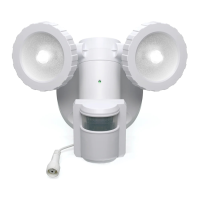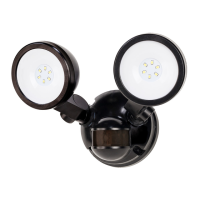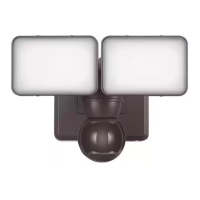
EasyManua.ls Logo

Defiant DF-5416-BK-B - User Manual

Defiant DF-5416-BK-B
24 pages
Print Icon
To Next Page IconTo Next Page
Loading...
THANK YOU
We strive to continually create quality products designed to enhance your home. Visit us online to see our full line of
USE AND CARE GUIDE
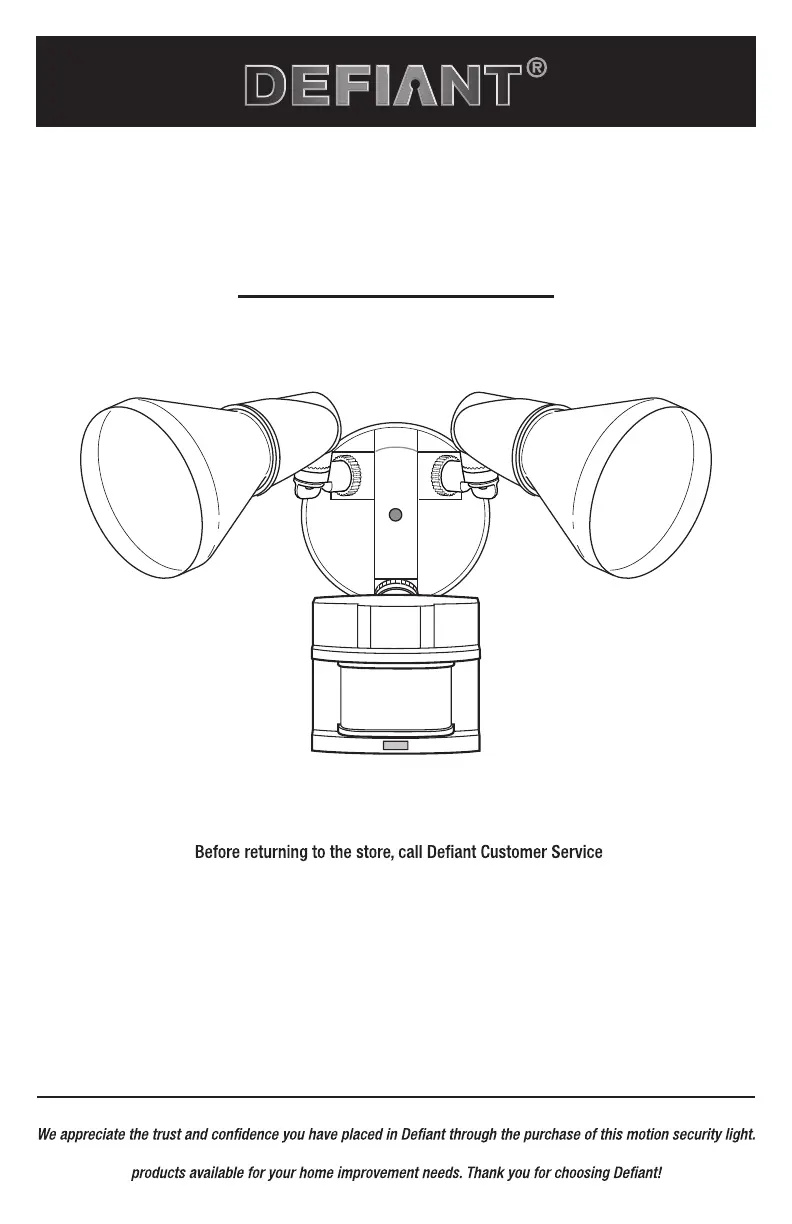
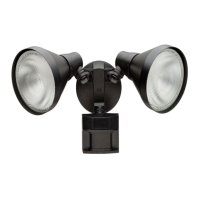
MOTION SECURITY LIGHT
Questions, problems, missing parts?
8 a.m.-7 p.m., EST, Monday-Friday, 9 a.m. - 6 p.m., EST, Saturday
1-866-308-3976
HOMEDEPOT.COM
Item #703390
703499
Model #DF-5416-BK-B
DF-5416-WH-B

Questions and Answers

Summary

Safety Information

PRECAUTIONS

Read and understand the manual before assembly, installation, or operation.

Warranty

2-YEAR LIMITED WARRANTY

Product guaranteed free of factory defects for 2 years from purchase. Receipt required.

Specifications

Pre-Installation

PLANNING INSTALLATION

Ensure all parts are present before installation; do not attempt if parts are missing or damaged.

TOOLS REQUIRED

List of tools needed for installation, including screwdrivers, pliers, wire strippers, etc.

HARDWARE INCLUDED

Details and list of all hardware components included with the light fixture.

PACKAGE CONTENTS

List and illustration of the main components of the motion security light.

MOUNTING LOCATIONS

Guidance on choosing suitable wall or eave locations for mounting the fixture.

Installation

Installing the Mounting Bracket

Instructions for securely attaching the mounting bracket to the junction box.

Hanging the Light Fixture Temporarily

Steps to temporarily hang the fixture using the plastic hanger and route wires.

Wiring the Light Fixture

Procedure for connecting the light fixture wires to the junction box wires.

Mounting the Light Fixture

Steps to mount the fixture using the mounting bolt and canopy.

Caulking Around the Light Fixture

Instructions for sealing the fixture to the mounting surface with silicone sealant.

Installing the Shells and Bulbs

Steps for attaching the protective shells and installing the light bulbs.

Operation

Adjusting the Bulb Holders

How to adjust the direction and angle of the light bulb holders for desired coverage.

Rotating Sensor Controls Downward

Ensuring the motion sensor controls face the ground for water damage protection.

Setting the Sensor for Testing

Steps to set the fixture to TEST mode for initial setup and motion detection.

Adjusting the Motion Sensor Detection Zone

Performing a 'walk test' to define the area the sensor will detect motion.

Adjusting the RANGE Dial

How to increase or decrease the sensor's detection range.

Adjusting the ON-TIME Switch

Setting the duration the light stays on after motion is detected.

Adjusting the DUALBRITE Switch

Setting the light's behavior at a reduced brightness level after sundown.

Adjusting the LAMP MODE Switch

Selecting how the lights turn on when motion is detected (Security, BulbSaver, AlertFlash).

Using Manual Mode

How to temporarily override the motion sensor and keep the light on.

Care and Cleaning

Troubleshooting

Defiant DF-5416-BK-B Specifications

General IconGeneral
BrandDefiant
ModelDF-5416-BK-B
TypeFlood Light
ColorBlack
Light SourceLED
Voltage120 V
Beam Angle120 degrees
MaterialAluminum
Weather ResistanceYes
Mounting TypeWall Mount
Motion SensorYes
Water ResistanceIP65
Certifications and ListingsETL Listed
Color Temperature5000K
Brightness1800 Lumens

Related product manuals