4
Pre-Installation (continued)
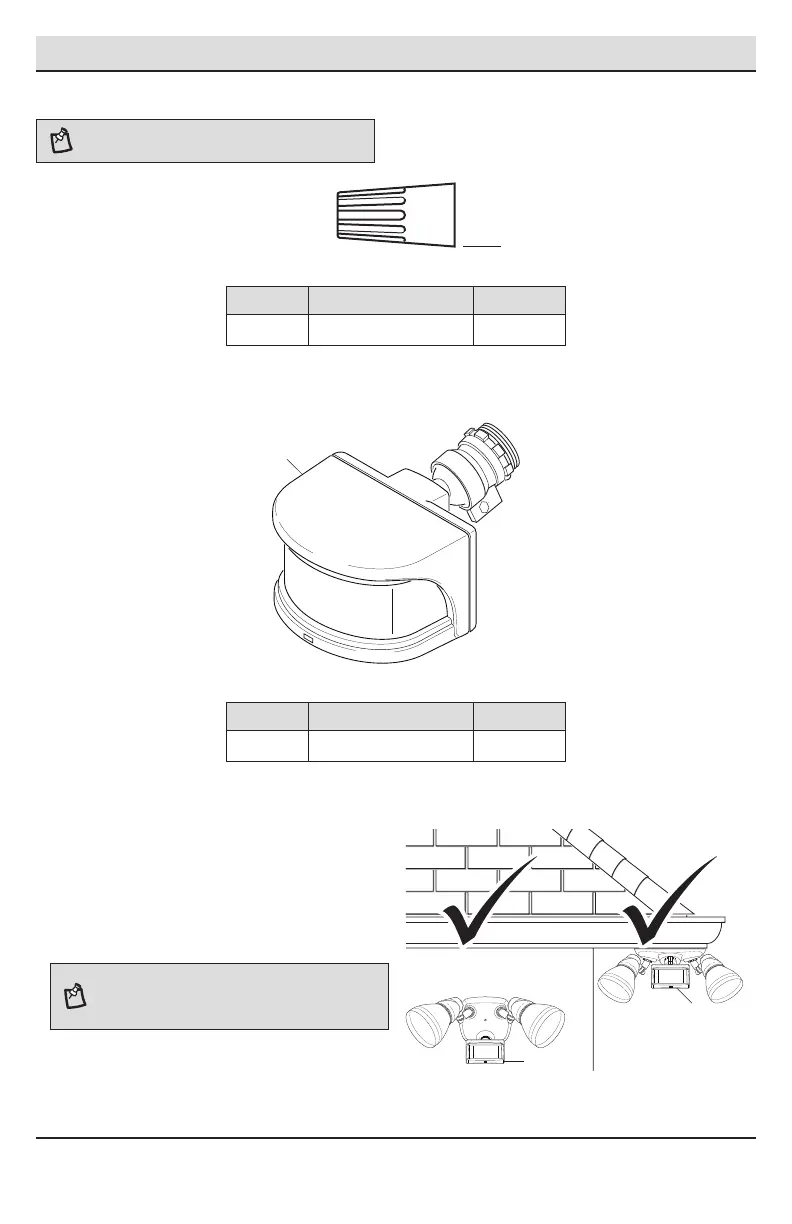
HARDWARE INCLUDED
NOTE: Hardware shown to actual size.
Part Description Quantity
AA Wire connector 4
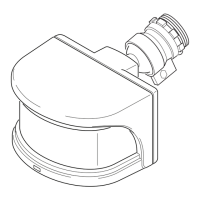
PACKAGE CONTENTS
Part Description Quantity
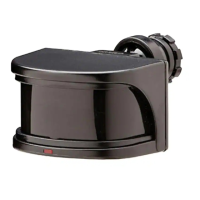
A Motion sensor 1
MOUNTING LOCATIONS
□ Determine the mounting location – a wall or
under an eave.
□ If needed, lift the motion sensor (A) up and
rotate it so the controls face the ground after
installation. Tighten the clamp screw when done.
Do not overtighten.
NOTE: If the motion sensor (A) pops out of the ball joint,
loosen the clamp screw, push the motion sensor (A) back
into the ball joint, and tighten the clamp screw. Do not
overtighten.
Wall Mount
Eave Mount
A
A
AA
A


 To Next Page