Page 14
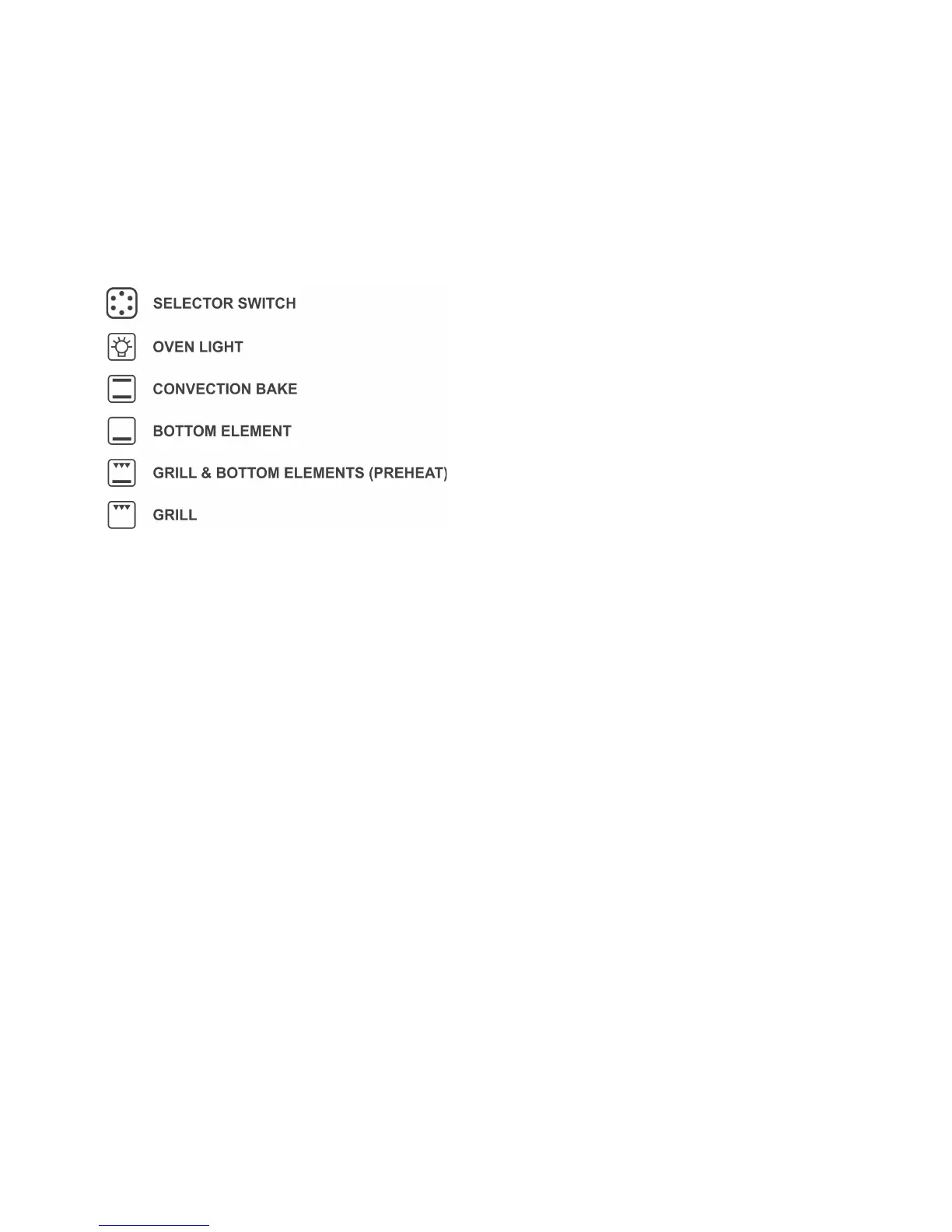
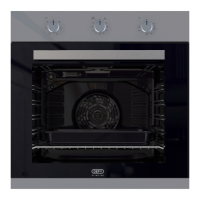
Selector switch
This switch allows the selection of the
following oven functions.
1. Off
2. Oven light
3. Convection Bake
4. Bottom Element
5. Grill & Bottom elements (Preheat)
6. Grill
Note: All ovens extract moisture from the
food being cooked, especially so during the
winter months. This is normal and not
detrimental to the food or the oven.
Functions
Oven Light: To switch on the light, turn the
selector knob until the light icon, depicted on
the knob, is at the top. The light remains on
when any other functions are selected.
Top and Bottom elements (Convection
Bake): Both the bottom bake element and
the top heat element are utilised. This
position is ideal for baking, roasting and
cooking.
Grill: Select the grill function for grilling.
Grill and bottom elements: (Preheat)
Reduces oven heat up time. Select
convection bake when desired temperature
has been reached.
Bottom element only: Selecting only the
bottom element and setting the thermostat
at the lowest temperature, allows the oven
to be used as a warming space.


 To Next Page