Page 27
DANGER: Before replacing the
oven lamp, ensure that the
appliance is disconnected from
mains and cooled down to avoid
the risk of an electrical shock. Hot
surfaces may cause burns!
The oven lamp is a special
electric light bulb that can resist
up to 300°C. See Technical
specifications for details. Oven
lamps can be obtained from
Authorised Service Agents.
Position of lamp might vary from
the figure.
Replacing the oven light bulb
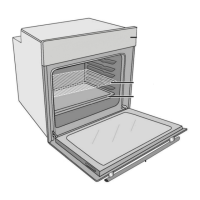
To remove the wire rack:
1. Pull A in the direction of the arrow so that
the front part of the rack unclips from the
oven cavity.
2. Pull B in the direction of the arrow to
remove.
Oven light
The oven light is switched on by the
multifunction selector switch and
switches off when the knob is returned to 0.
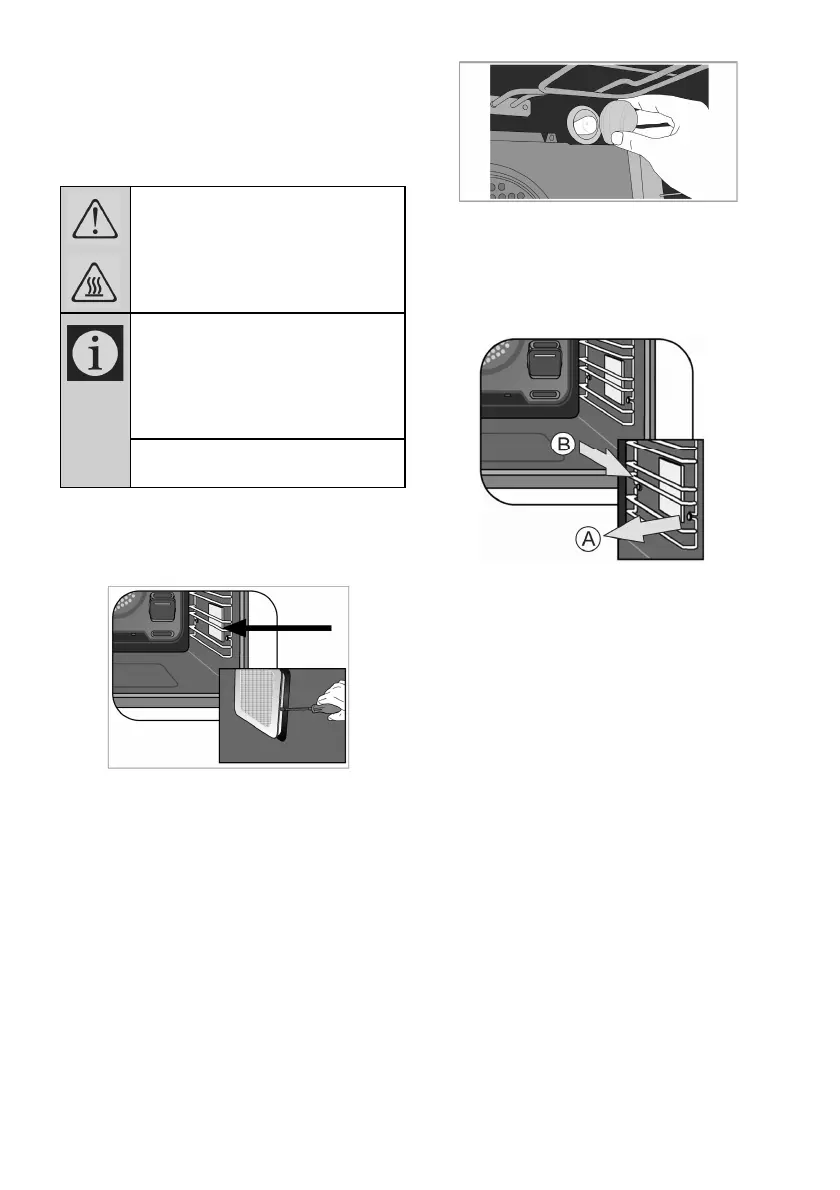
3.Remove the protective glass cover with a
screwdriver.
4.Unscrew oven lamp and replace it with
new one.
5.Install the glass cover and then the wire
racks.
If your oven is equipped with a round
lamp:
1. Disconnect the product from mains.
2. Turn the glass cover counter clockwise to
remove it.
3. Remove the oven lamp by turning it
counter clockwise and replace it with the
new one.
4. Install the glass cover.
If your oven is equipped with a square
lamp:
1.Disconnect the product from mains.
2.Remove the wire racks as described.


 To Next Page