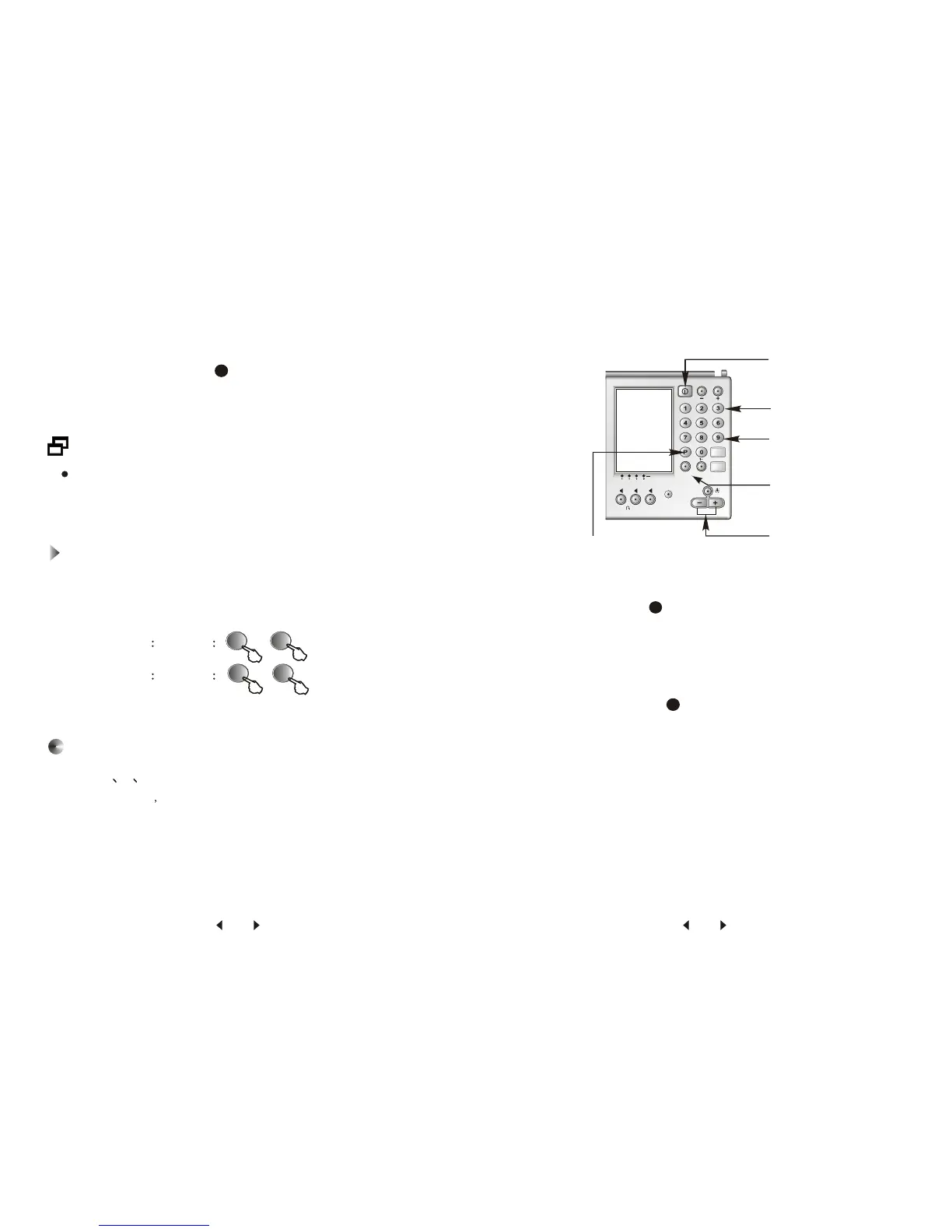
4. Press the desired number from 1-6 while P is flashing.
5. Press M/LOCK button , M flashes for 5 seconds.
6. Press a preset number from 1-19 to memorize the station. The
corresponding number constant indicates in the display.
12
If a station is already stored, the new frequency with same
preset number replaces the old one.
Example 1 input 10 +
Double-digit Number Input
When you want to input a double digit number, press number
0 first, 1- appears in the display, then press the last number.
Example 2 input 15 +
0
0
0
5
Band Preset (On Page 7-9)
Page 7 8 9 is assigned to different band. Page 7 is assigned
to FM stations page 8 for MW stations, and page 9 for SW
stations.
1. Turn on the unit.
2. Press Page button , page indicator P flashes 3 seconds,
page number disappears for you to enter.
3. Press corresponding page number of each band.
4. Tune into a desired station by manual tuning, scan tuning or
direct entry.
6. Press M/LOCK button , indicator M flashes for 5 seconds,
the preset number disappears for you to enter.
7. Press a preset number from 1-19 to memorize the station. The
indicator M constantly display.
5
12
15 16


 To Next Page