5
7
8
BAND SELECTION
Press FM button to select FM band; Press MW button
to select MW band. Press SW button to select SW band.
METER BAND
In SW or FM band, set LOCAL/DX switch to a proper
position can increase reception.
In general, set the switch in DX position unless there is a
strong interference or when you are listening to local stations.
LOCAL / DX SWITCH
Press METER BAND button repeatedly to select your
desired meter band.
49M
41M 31M 25M 22M
Meter Band Circulation
14
DX LOCAL
22
19M
16M
FM, MW, SW band can be select by pressing corresponding
band button.
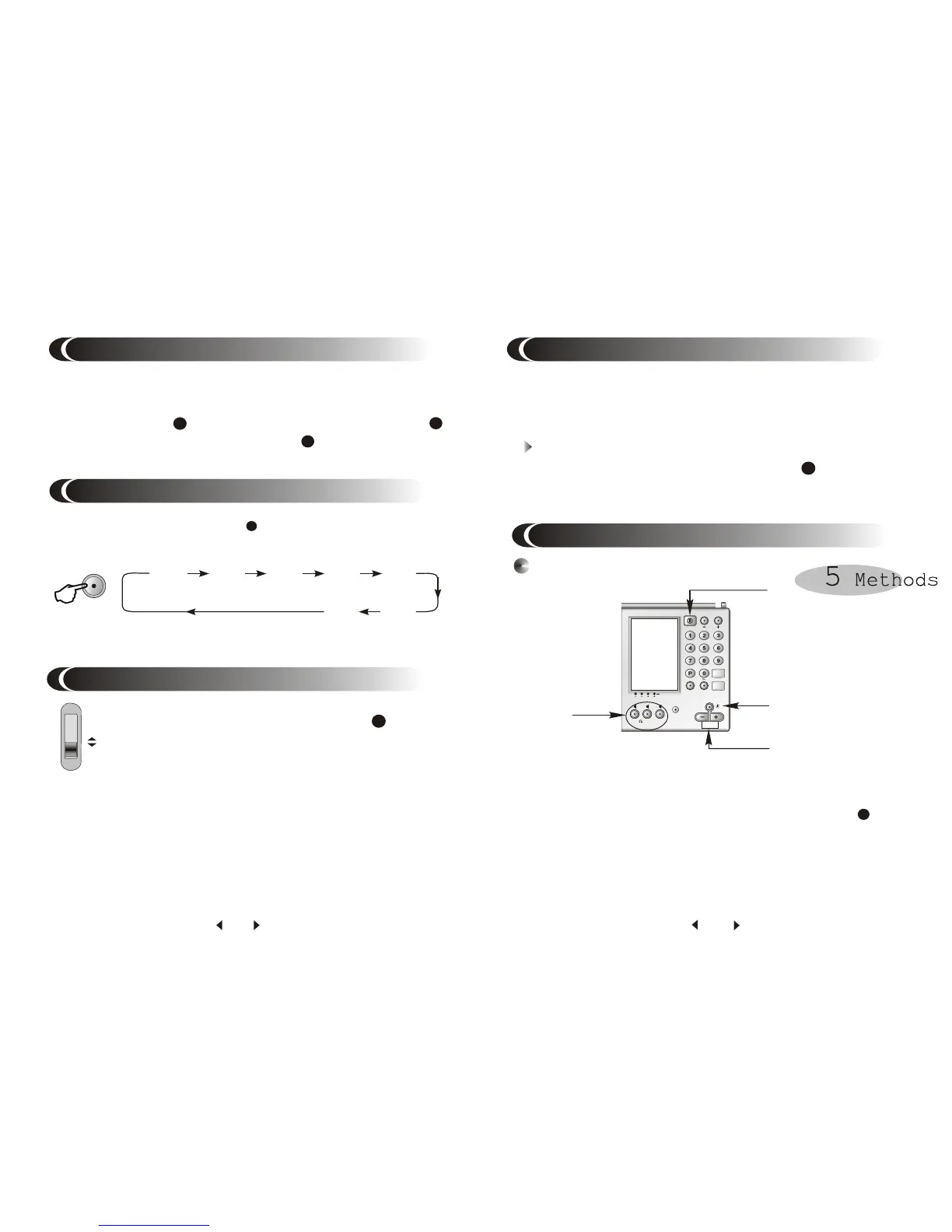
1. Press POWER button to turn on the unit.
2. Select desired band.
3. Set scan method to STEP by press SCAN button till
"STEP" appears in the display.
4. Press SCAN+ or SCAN- button repeatedly to tune into the
desired station.
Manual Tuning
ÊÖ¶¯ËÑË÷
TUNING INTO A STATION
PAGE
9
16
15
14
There are total 10 pages for you to store stations. Each page
can store 19 stations. Stations can be random stored on page
1-6. Page 7-9 are assigned to different band. Page 0 is edit page.
Select Page
1. When the unit is on, press PAGE button , page indicator
P will flash for 3 seconds.
2. Press your desired page number while P is flashing.
SW/METER


 To Next Page