15
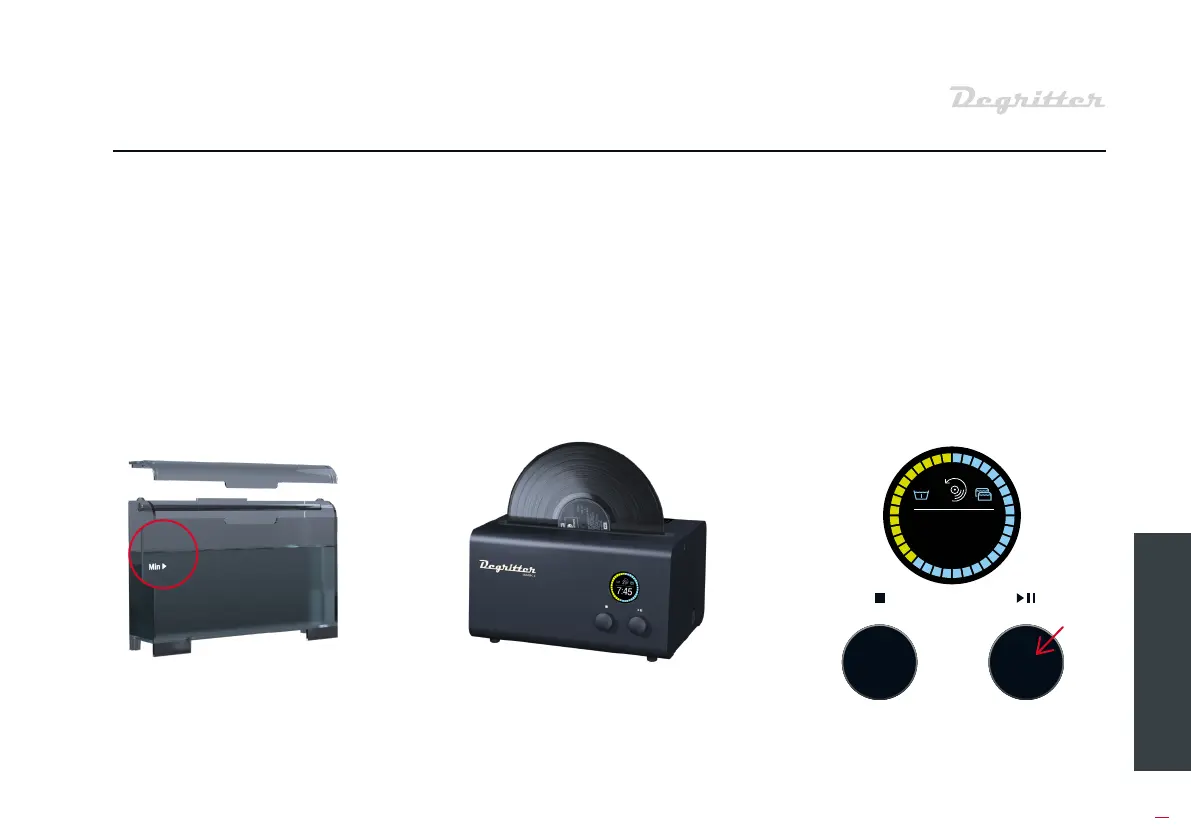
Fill the water tank with diilled
water to a level exceeding the “Min”
marking. The more water in the
water tank, the better.
Sta the washing program by
pressing the button on the right.
Washing progress is tracked by the
countdown timer on the screen.
You will be aleed with three beeps
when the program finishes.
Inse the 12” record into the
machine as shown.
04 GETTING STARTED
05 INSERT THE RECORD INTO
THE MACHINE
04 PUT WATER INTO THE TANK 06 PRESS START
2


 To Next Page