17
05 Turning on/off
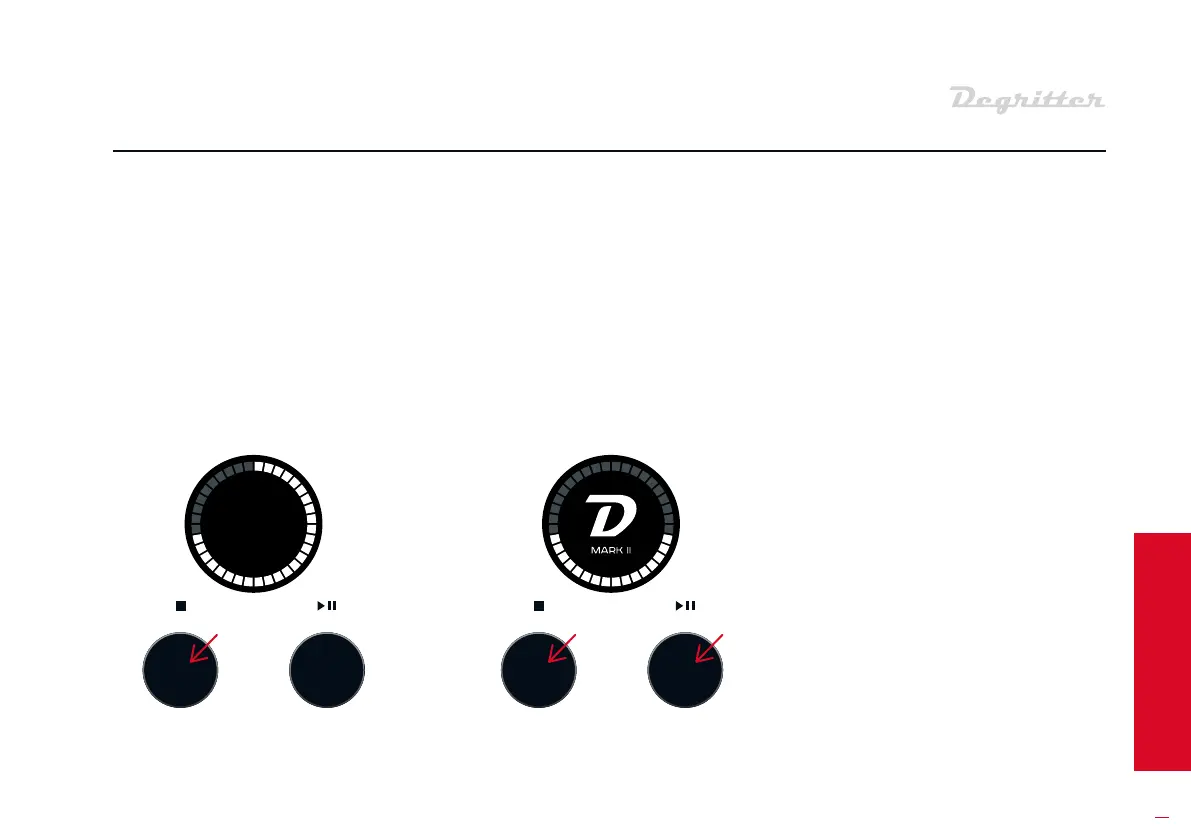
For a so shutdown, hold down the
le button for 3 seconds. This is the
recommended method for turning
o Degritter. It cuts all power to the
machine except for a small current
to the processor and its power
supply.
Press any button to a the
machine again. You will be prompt-
ed with a welcoming screen.
When oring Degritter for a longer
time period:
• Remove the water tank and
pour away its contents;
• Inse the tank back into the
machine;
• Turn Degritter o from the AC
power switch;
• Remove the cord from the
power socket;
• Unscrew and remove the water
filter cap.
Degritter shuts down automatically
when le idle for 15 minutes. Press
any front panel button to a the
machine up again.
TIMED SHUTDOWN
LONG TERM STORAGE
SOFT SHUTDOWN
AND STARTUP


 To Next Page