29
08 water, fluid, filter
FILTER REMINDER
The machine will remind you to
clean the filter aer every 50
washing cycles. The reminder is
automatic and will be prompted
based on the Filter runs counter,
visible in the Settings Menu, at 50,
100, 150, 200 ... runs.
In order for the reminder to work
properly, the number of washing
cycles on the filter will have to be
reset every time the filter is cleaned.
The Filter runs counter value can be
reset in the Settings Menu.
MAINTAINING THE FILTER
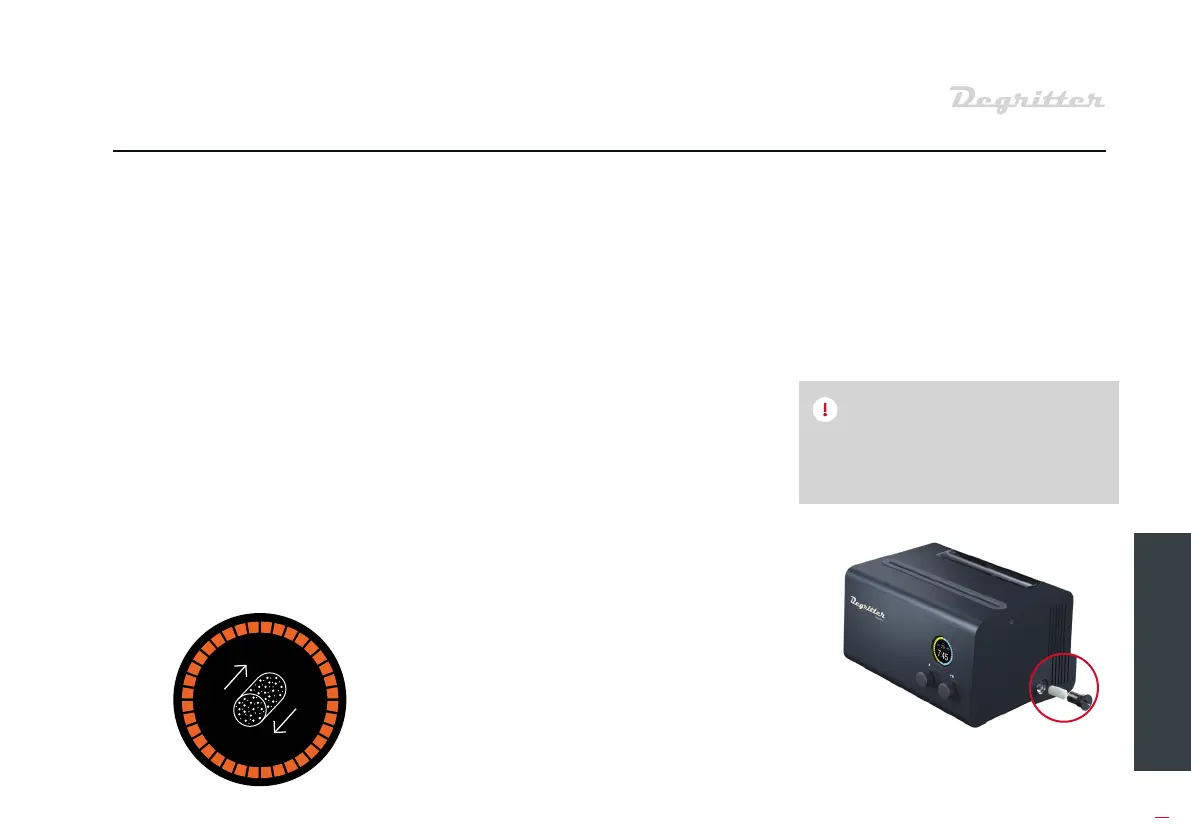
To access the water filter, unscrew
the cap on the bottom half of the
right side panel of the machine. Use
a coin for screwing and unscrewing
the cap. Turning the cap counter-
clockwise loosens it and turning it
clockwise tightens it.
The filter consis of a fine eel
mesh cylinder that has a foam
inse. The cylinder will sit snugly in
the filter cap and can be removed
for cleaning.
When replacing the foam filter, it
is impoant to also wash the eel
mesh filter. If the foam filter is not
too diy, then it can be washed
and reused. We recommend
cleaning and replacing the filter
aer every 50 to 100 records.
When screwing the cap back into
the chassis, make sure that the
cap is flush with the side panel. This
ensures that the cap seal will not
leak.
Clean or replace the filter aer
every 50 to 100 cleaning cycles.
NOTE


 To Next Page