33
Once the machine has aed,
navigate to the INFO section in
the menu and verify that the new
version lied is the same as on the
degritter.com webpage.
Serial: 3000f00
Version: 3.0.11
Runs: 285
Temp: 24C
10 software updates
VERIFY SOFTWARE VERSION
Version
INSTALL SOFTWARE
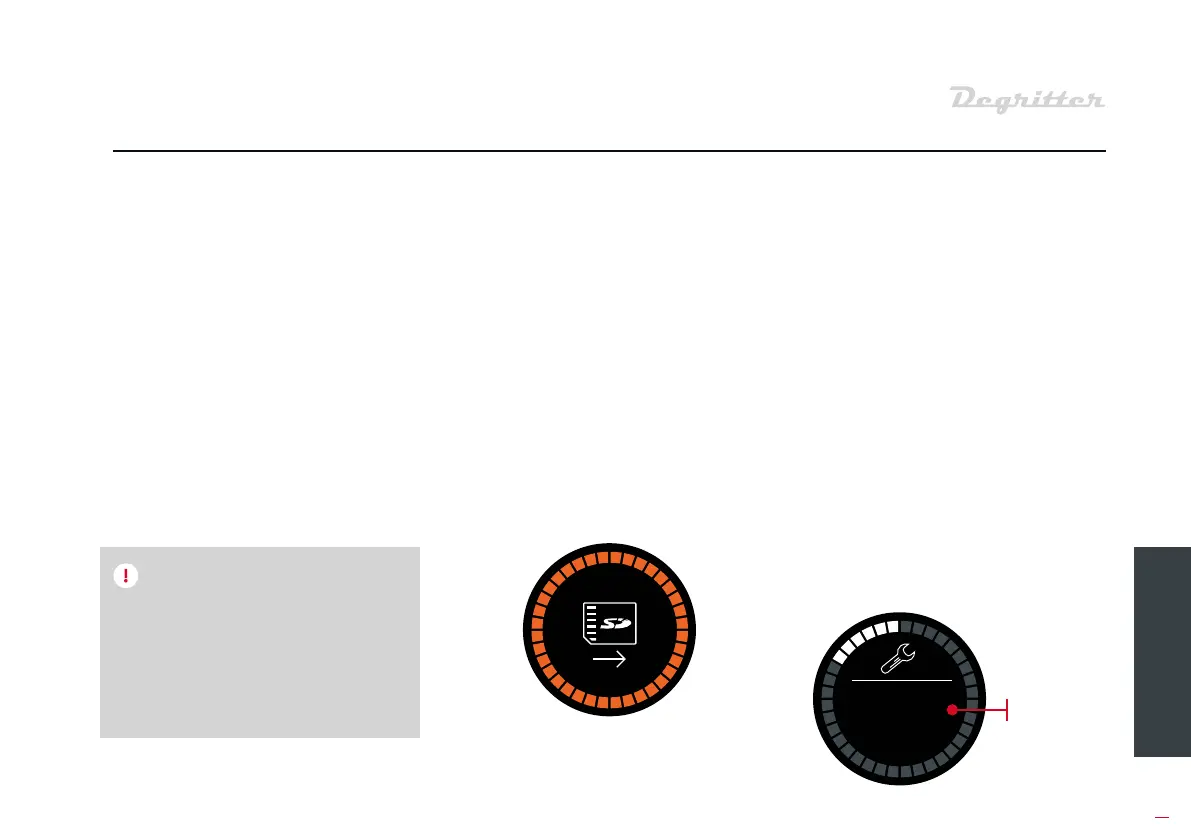
3. Turn on the machine from
the switch on the back. Aer
turning on the machine, the
screen will remain blank for a
few seconds. During this time
the machine will upgrade
itself. It will take a few seconds
to a its display and once
it does it will display an icon
for SD card removal. You can
remove the card from the
machine.
1. Turn o Degritter from the
switch at the back and wait 10
seconds so that the capacitors
in the machine can discharge.
2. Inse the SD card into the
machine in the slot at the back
as shown on the image. When
inseing the card, the bare
contact pins on the card mu
face the direction where the
water tank is.
4. Navigate to the INFO menu of
the machine and check the
soware version. It mu be the
same as the version that was
displayed on our website from
where you downloaded it from.
If the machine’s display ays black
and the unit will not a, then there
is either a problem with the file on
the SD card, the SD card file format,
or with the SD card connection.
NOTE


 To Next Page