User manual, Check synchroscope CSQ-3
4189340263L (UK)
3.1 LEDs
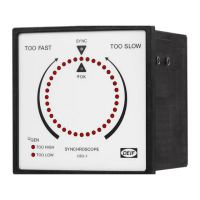
The CSQ-3 has the following LEDs on the fronts showing different operating
information.
LEDs on primary front (normal mode):
The lit LED in the circle shows the phase difference between
GEN and BUSBAR
All preset sync. parameters are OK, and the output relay is
activated
The phase difference between GEN and BUSBAR is within
the preset window
GEN
The voltage difference between GEN and BUSBAR is outside
the preset range. U
GEN
is too high
GEN
The voltage difference between GEN and BUSBAR is outside
the preset range. U
GEN
is too low
LEDs on secondary front (setting mode):
Parts of the circle are used as scales for the different settings
d
d
scale is active
Please notice that t
d
only becomes active with t
R
set to ∞
R
R
bus
bus
scale (dead bus) is active
For further information about the settings, please see appendix 1.


 To Next Page