Dejavoo Systems Instruction Manual V525.15 9
CA
LL ME FEATURE
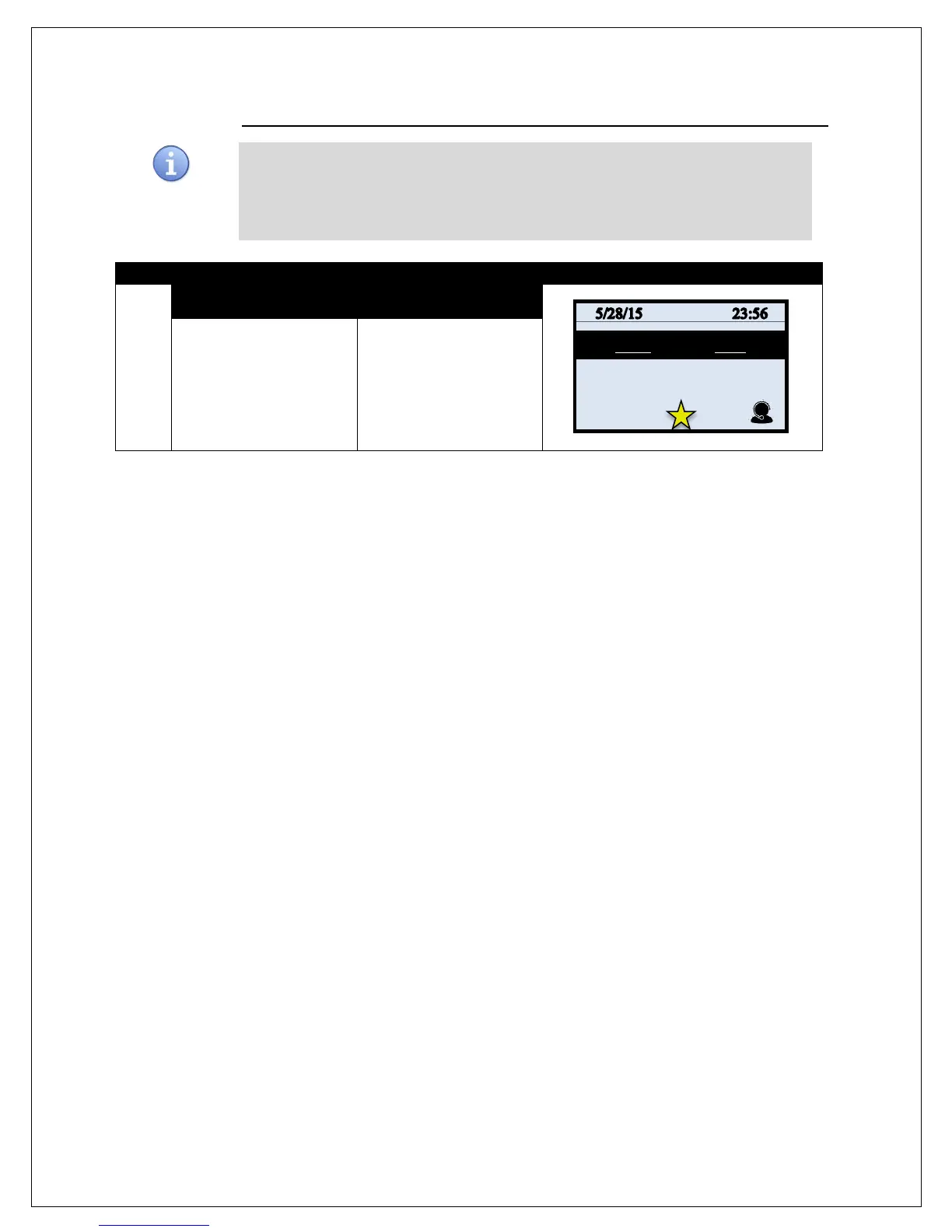
Have a technical support representative call you when you need assistance – simply
press the “CALL ME” button from your Dejavoo te
rminal and a representative will
contact you shortly. Use the following steps to initiate the CALL ME feature.
* Note: This must be an active service in your terminal prior to using this features.
1.
NON TOUCH SCREEN TOUCH SCREEN
From the idle prompt press
the F4 Key to initiate a
CALL ME Request.
From the idle prompt use
your finger tip to tap the
Call Me Icon:



 To Next Page