Dejavoo Systems Instruction Manual V525.15 8
MANAGING “FAVORITES”, CONTINUED
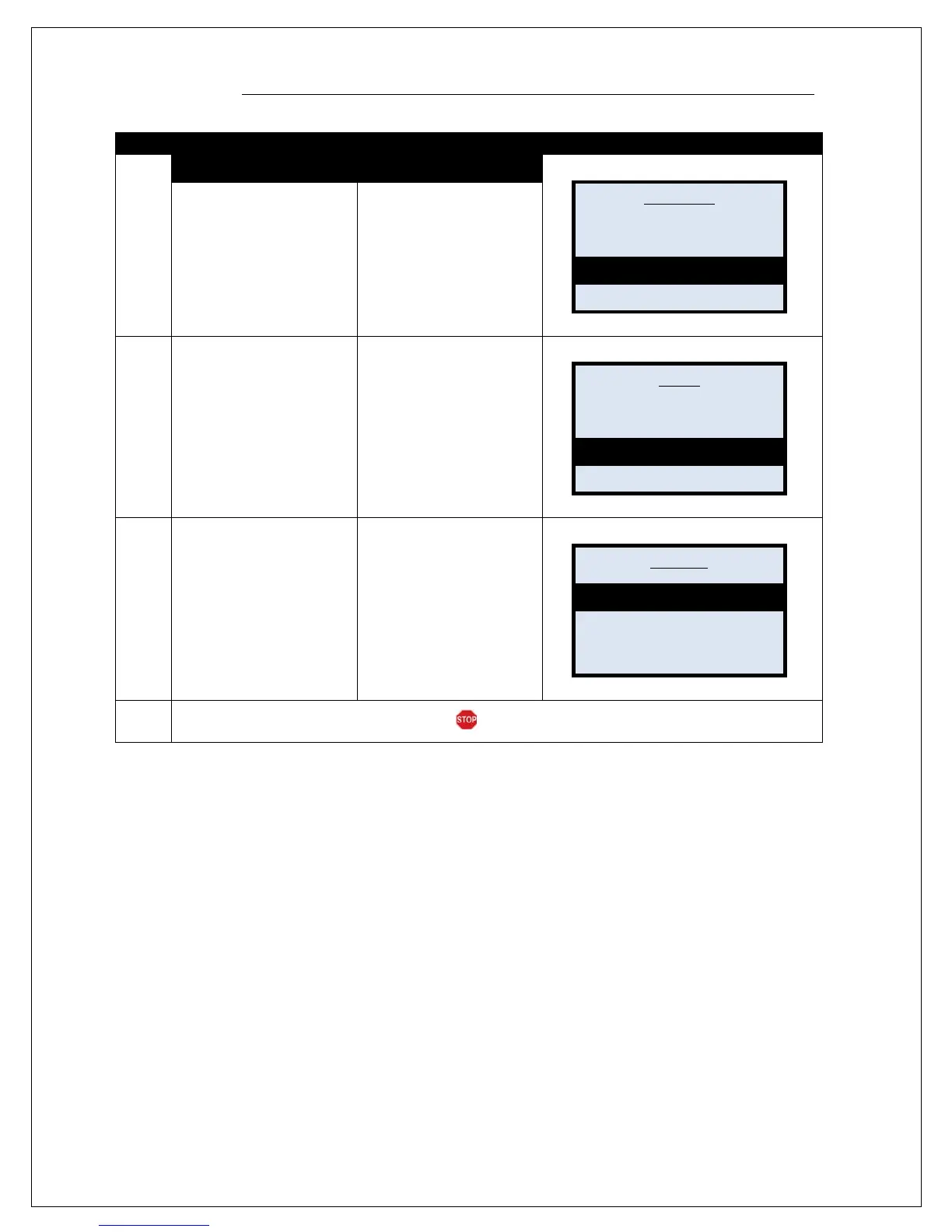
2.
NON TOUCH SCREEN TOUCH SCREEN
From the Core Menu use
the arrow keys to scroll
down and highlight
UTILITY. Then press the
Green OK Key.
*
Input password if prompted,
default password is 1234
From the Core Menu use
your fingertip to tap the
UTILITY menu option on
the terminal display.
*Input password if prompted,
default password is 1234
3.
From the Utility Menu
Press the ! down arrow
three times to highlight
FAVORITES.
Press the Green OK key
to select.
From the Utility Menu
Use your fingertip to tap
the FAVORITES menu
option on the terminal
display
4.
Use the up" and
down! arrow keys to
highlight the desired
option. Then press the
green OK key to select.
Use your fingertip to tap
the desired option on the
terminal display
5.
The terminal initiates the requested action.
Settlement ->
Reports ->
Favorites ->
Utility ->
Retrieve Password ->
Settings ->
Software Dowload ->
Communications ->
Utility ->
Delete
Add All Apps
Print



 To Next Page