Dejavoo Systems Instruction Manual V525.15 48
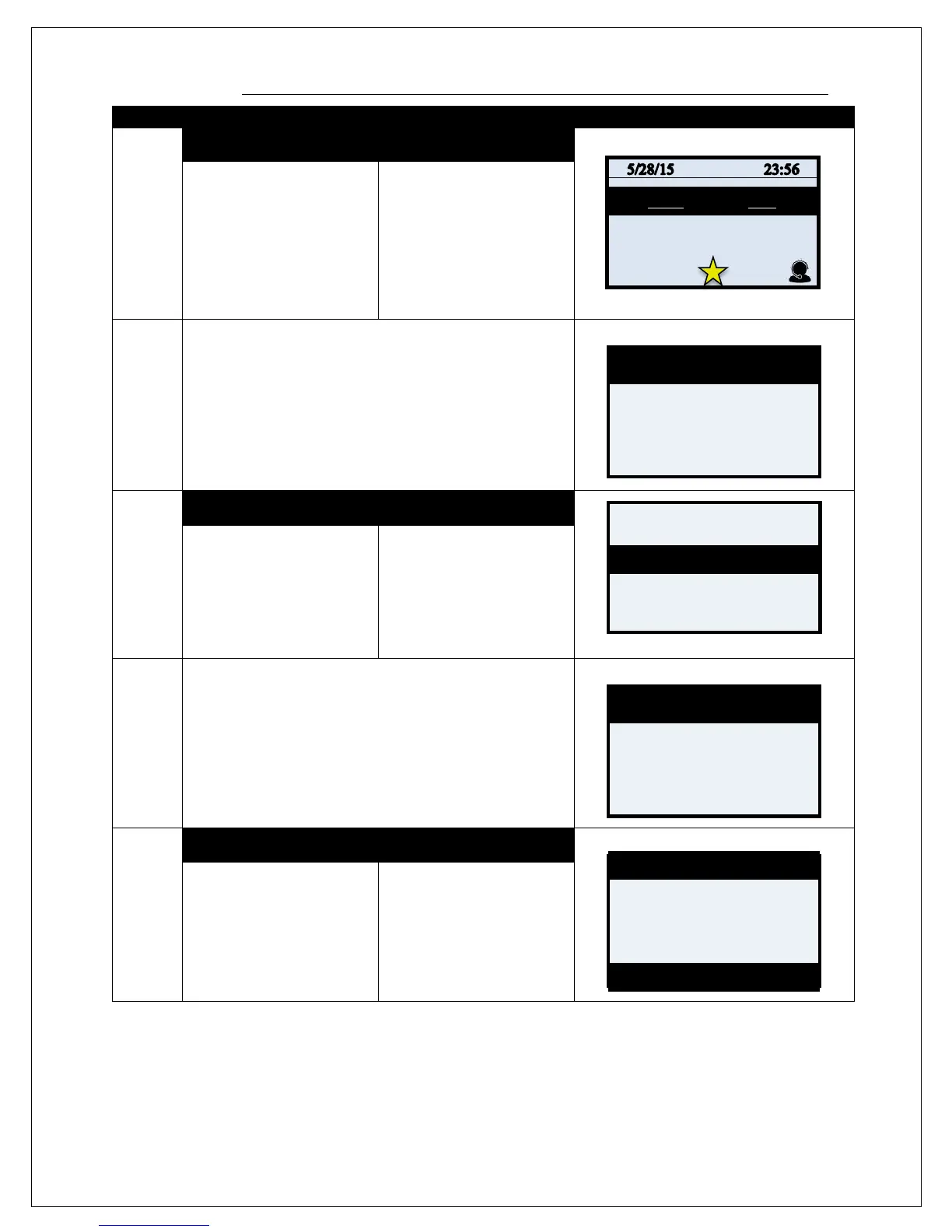
VOID CREDIT TRANS –TRANS # (FROM FAVORITES)
1.
NON TOUCH SCREEN TOUCH SCREEN
Press the F3 Key to access
the FAVORITES Menu
Use the down arrow to
highlight Void Cr/Db Trans
and press OK
Use your fingertip to Tap the
Star icon on the bottom of
the display to access the
FAVORITES Menu
Use your fingertip to Tap
Void Cr/Db Trans
2.
Input the Manager Password if Prompted, the default is
1234 and press OK
3.
NON TOUCH SCREEN TOUCH SCREEN
arrows to highlight By
Transaction # then press
OK.
the option for By
Transaction #
4.
Input the desired transaction number to be Voided then
press OK.
5.
NON TOUCH SCREEN TOUCH SCREEN
If desired transaction to
void is displayed press
OK to select.
If desired transaction to
void is displayed user
your fingertip to Tap
[Select] or press OK to
select.
Void Transaction
View All
Enter Trans Num:
#001 Sale
Amt: $5.00
M/C ****5454
Code: 1234567890



 To Next Page