Dejavoo Systems Instruction Manual V525.15 47
VOID CREDIT TRANS – CARD PRESENT, CONTINUED
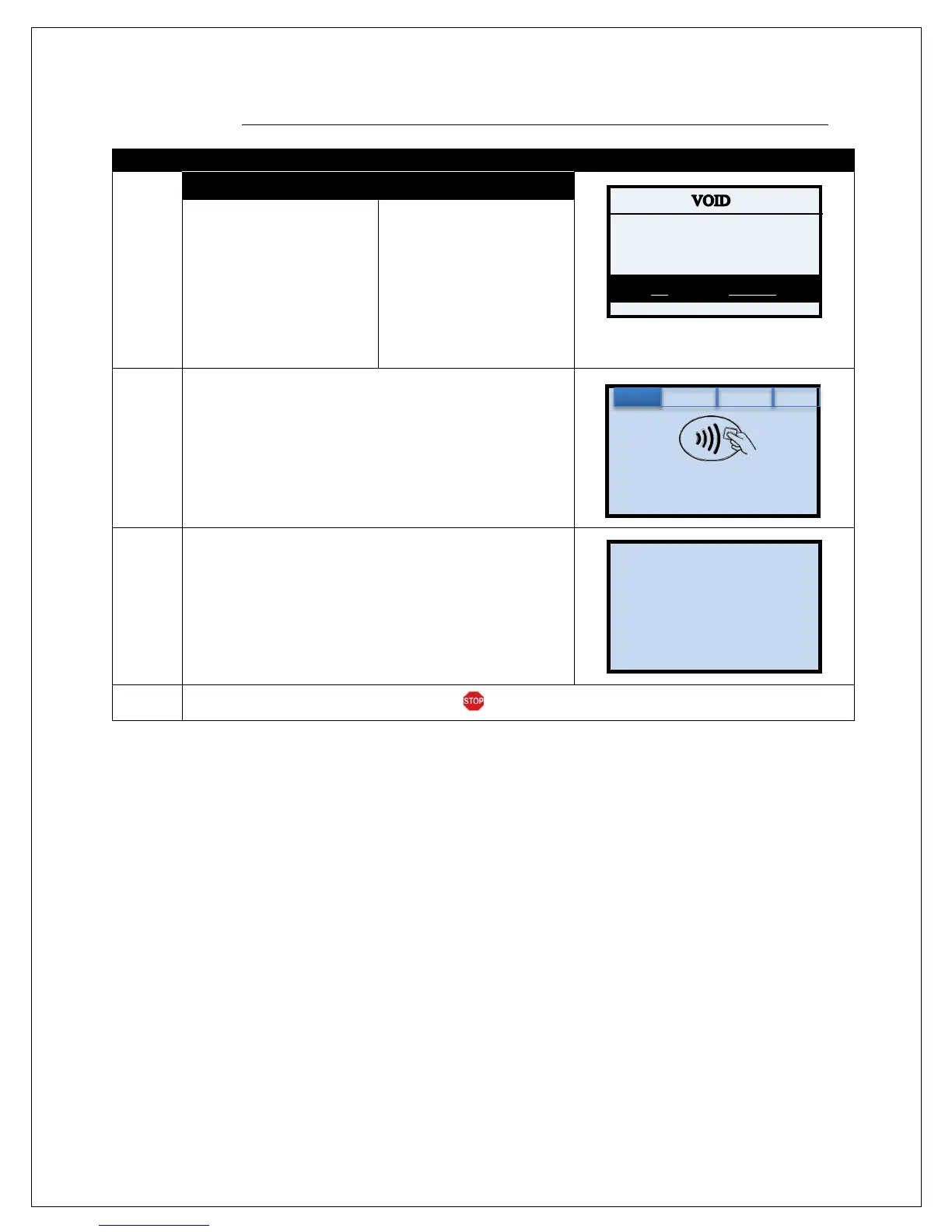
2.
NON TOUCH SCREEN
TOUCH SCREEN
If the amount shown is
correct press the F2 Key
to confirm
if it is not correct press the
F4 Key and re-enter the
amount.
* If prompted input password,
default is 1234
If the amount shown is
correct use your fingertip
to tap OK to confirm,
if it is not correct use your
fingertip to tap CANCEL
and re-enter the amount
* If prompted input password,
default is 1234
3.
Tap (contactless only), insert, Swipe or Manually Enter Card
Number
4.
The terminal flashes the host response and prints Void
receipt.
5.
The terminal returns to the idle prompt.
Amount: $-5.00
CARD MODE
Enter Card #
Sale: $5.00



 To Next Page