Dejavoo Systems Instruction Manual V525.15 87
LOYALTY
CONFIGURING POINTS PER DOLLAR
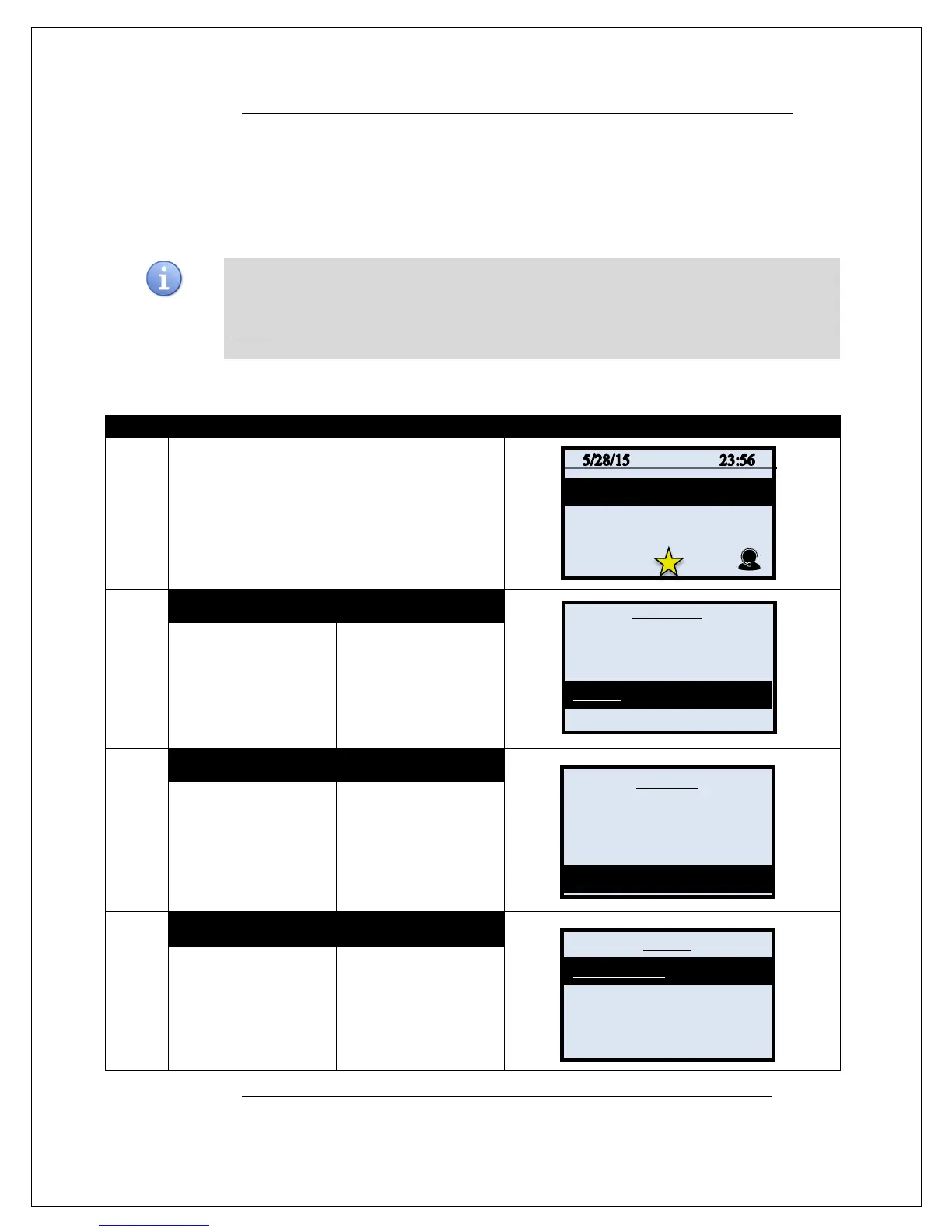
Use the directions below to configure how many points customers will earn for every dollar they
at the merchant location.
*Note: Consumers participating in the loyalty program will be prompted for their mobile phone
number during the transaction to identify their loyalty account.
1.
From the idle prompt press the OK key to access
the Core Menu.
2.
NON TOUCH SCREEN TOUCH SCREEN
Using the down arrow
key highlight the word
UTILITY and press OK
password, default is 1234
Using your fingertip
TAP the word UTILITY
password, default is 1234
3.
NON TOUCH SCREEN TOUCH SCREEN
Using the down arrow
key highlight the word
OK
Using your fingertip
TAP the word
LOYALTY
4.
NON TOUCH SCREEN TOUCH SCREEN
Press OK to select
POINTS PER
DOLLAR.
Using your fingertip
TAP the words
POINTS PER DOLLAR
Continued on next page
Settlement ->
Reports ->
Favorites ->
Utility ->
Software download
Communications ->
Security ->
Training Mode->
Points Per Dollar
Points to Free Item
Free Iteam



 To Next Page