V0812, 2.10
2.3.5. All bends view
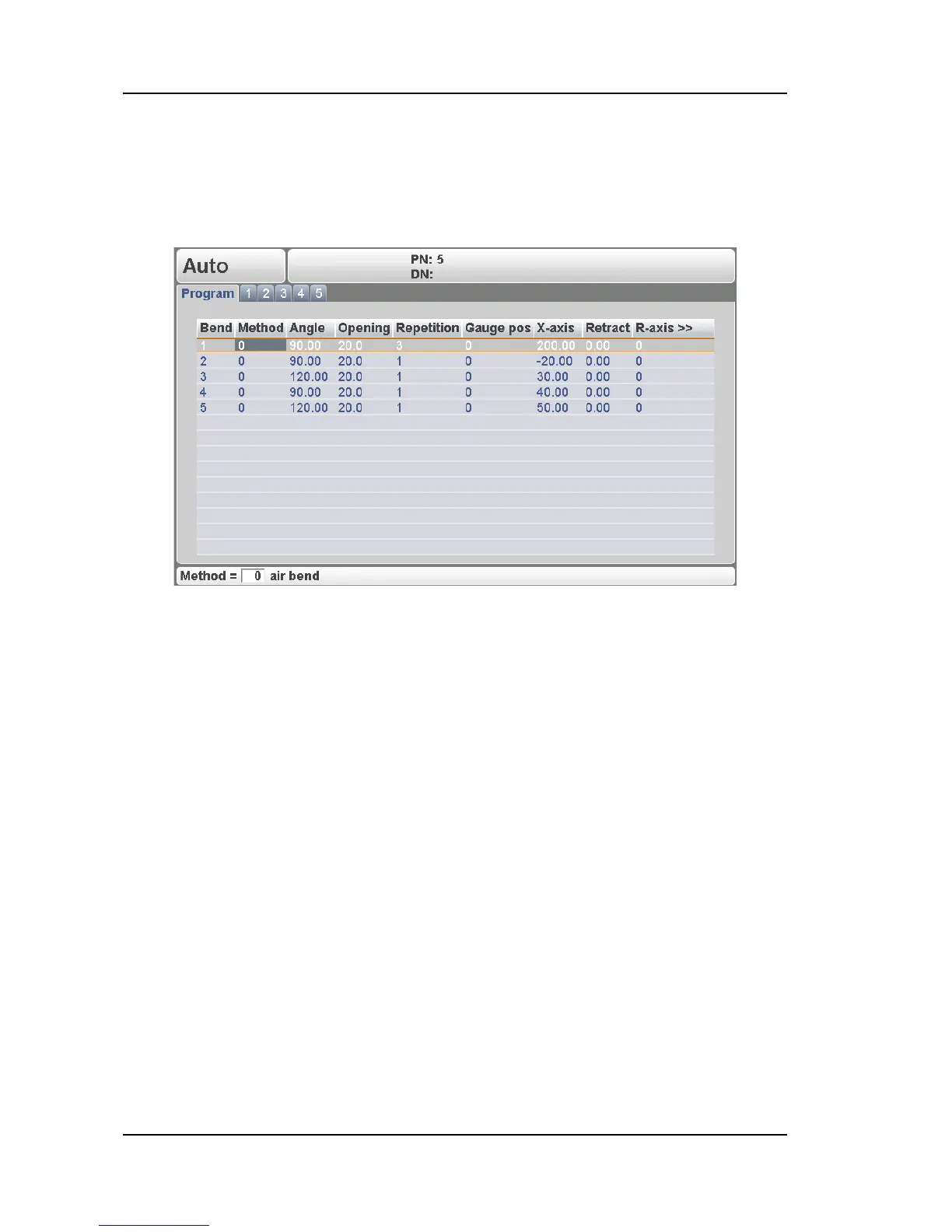
When pressing the ‘change view’ button from the general properties page of a bendprogram
(Program tab) the list with all bends from the active program is displayed. Within this view all
bends can be seen on one page and properties from each bend can be modified.
2.h
The control can also be started from this view.
When pressing the ‘change view’ button again the general properties pages is displayed
again.



 To Next Page