V0812, 5.5
5.4. Manual operation of the axes
5.4.1. General
It is possible to move an axis by pressing the arrow keys on the front panel of the control.
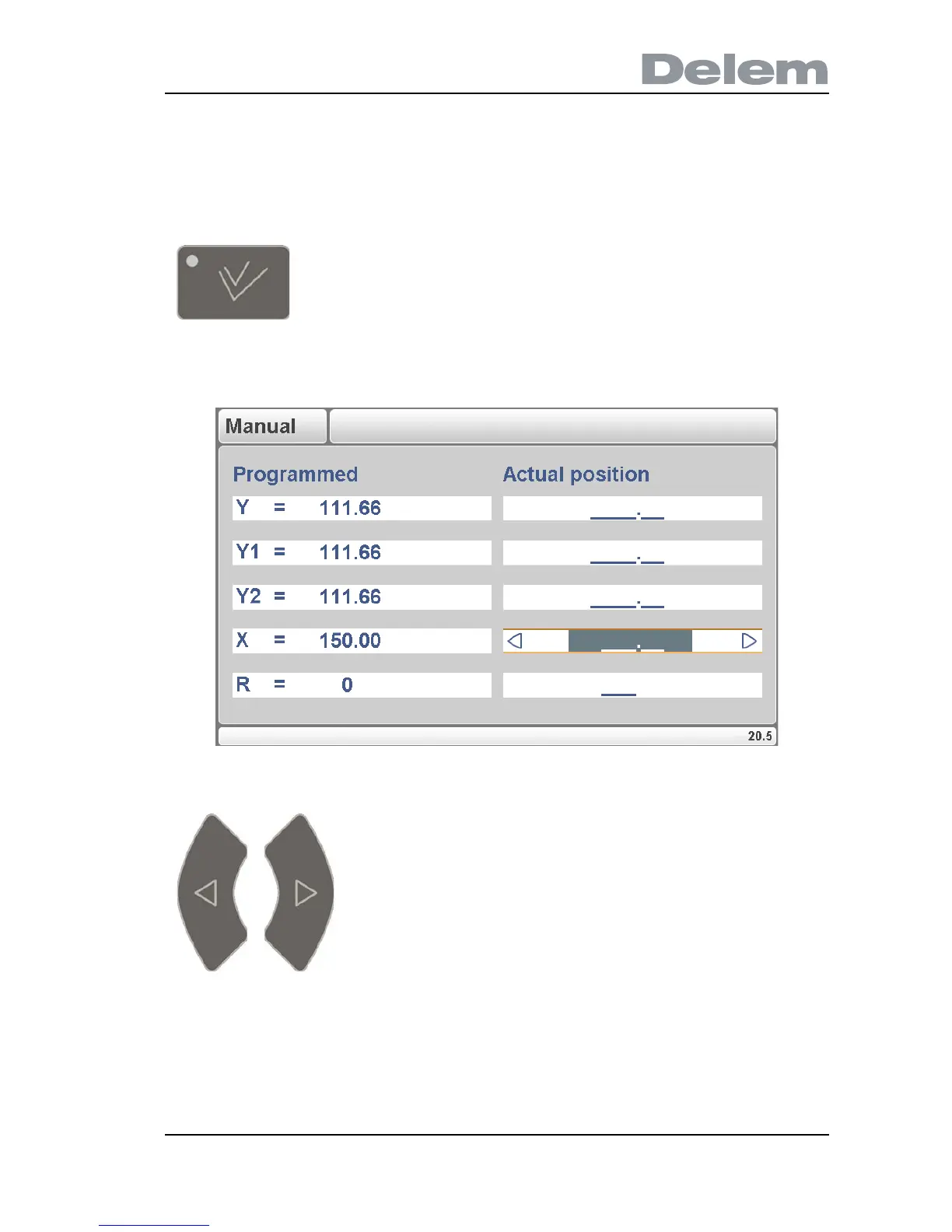
After pressing the key ‘manual pos’, the following screen appears:
5.e
The procedure for moving the axis depends on the axis you wish to move.
- Auxiliary axes:
With the keys the backgauge can be positioned manually. This operation is only possible in
"Stop" + "Manual Mode".
Press this key to activate the manual movement mode.
Put the cursor bar on the axis you wish to move with the arrow
keys. Then simply press the keys and watch the movement of
the intended axis.



 To Next Page