SkinFibroMeter User Manual v 2.0
2.1.2018
7
The SkinFibroMeter is automatically switched off, if the next measurement is
not started within 30 seconds.
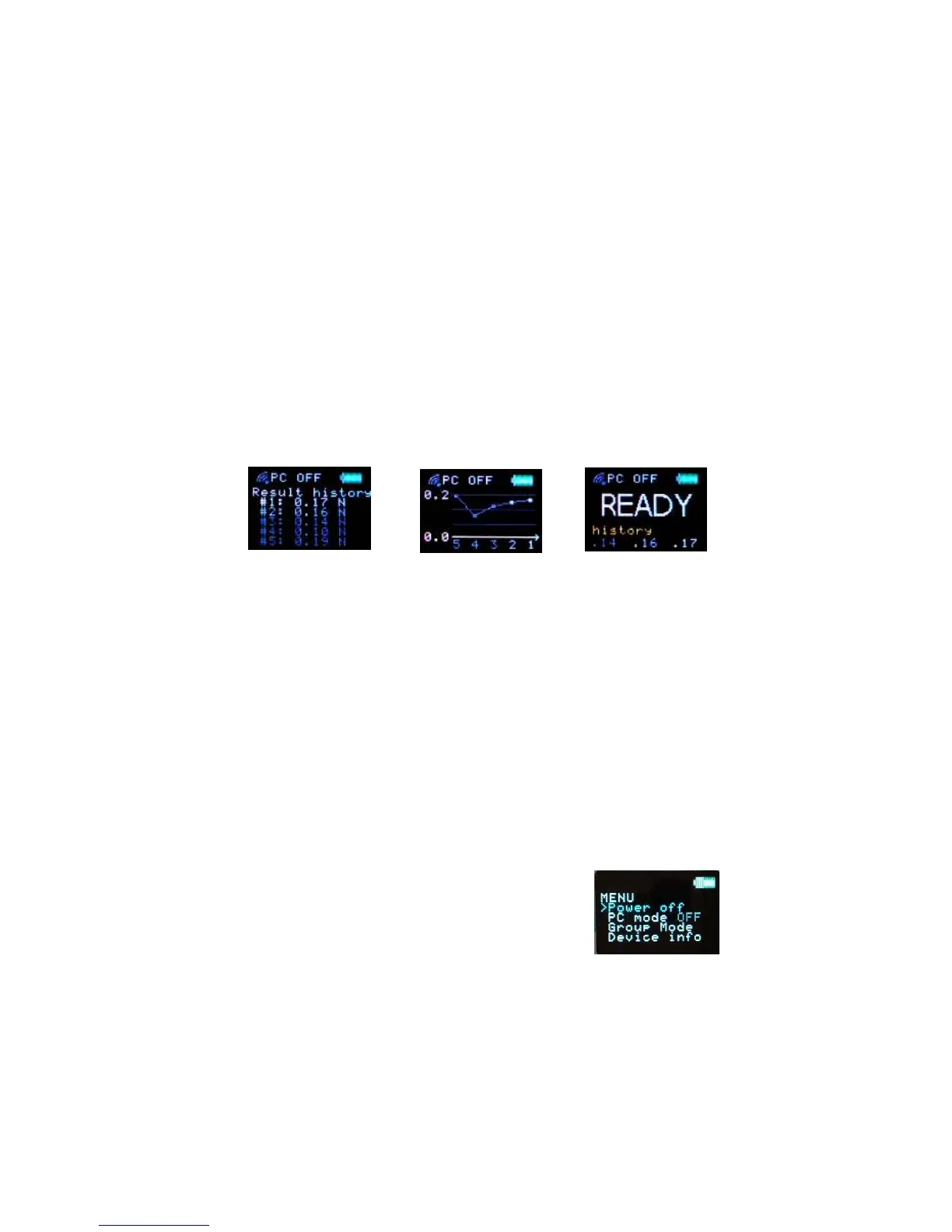
Measurement history
When the SkinFibroMeter is at the READY stage, the measurement history can
be shown by pressing the operate button briefly. Five previous readings are
shown as numbers first and then as a graph. The view from numerical to
graphical changes automatically in 10 seconds, but can also be changed by
pressing the operating button briefly. After the graph view the message
READY is shown on the display again. The instrument is ready to measure also
during the history display.
ADJUSTING SETTINGS
1. Turn the SkinFibroMeter on by pressing the operating button briefly.
2. When the device is on, press the button again and hold it until the
MENU is displayed. Then release.
3. The indicator “>” starts to scroll downwards through the menu.
4. Press the operating button once again when the indicator ”>” is in front
of the desired row to select from the menu.
Power Off
The SkinFibroMeter is switched off.
PC Mode OFF/ON
Turns the PC connection OFF or ON. The wireless connection to the
computer can be used only when the wireless receiver unit is connected to the
PC, the Delfin Modular Core (DMC) software is running and the PC mode of
the SkinFibroMeter is ON.


 To Next Page