Quick Installation Guide APC Management
deliberant Page 13
APC Management
The first connection to the APC Propeller 2 or APC Propeller 5 can be made using a
standard Ethernet cable connected directly to your PC. See next sections for the
instructions on how to access the APC management interfaces.
Access the APC
The default IP address of the APC Propeller 2 and APC Propeller 5 is 192.168.2.66
with a subnet mask of 255.255.255.0.
Step 1 Configure your PC with a static IP address on the 192.168.2.0 subnet
(i.e. 192.168.2.10) with mask 255.255.255.0. Connect the APC
Ethernet interface in to the same physical network as your PC. Open the
Web browser and type the default IP address of the APC:
https://192.168.2.66/
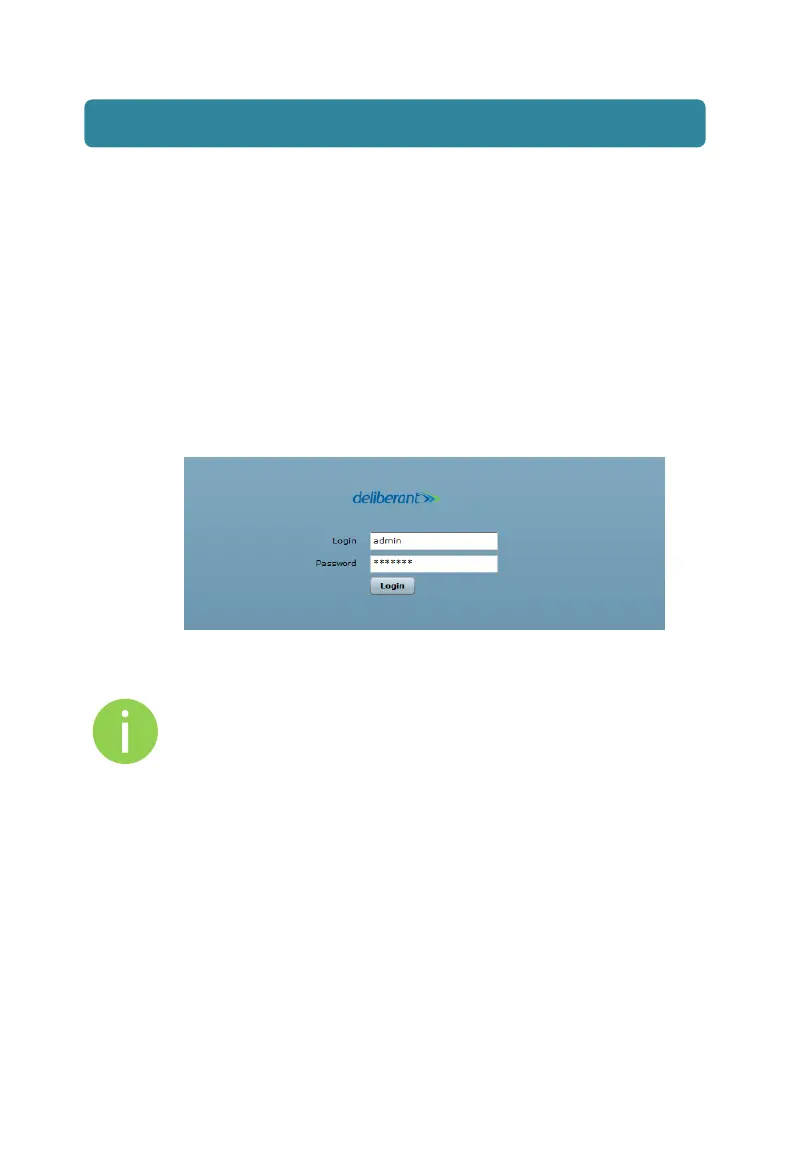
Step 2 Enter the APC administrator login details to access the Web
management:
The default administrator login settings for all APC Propeller 2 and
APC Propeller 5 are:
Login: admin
Password: admin01
Step 3 After successful administrator log on you will see the main page of the
APC Web management interface. The APC Propeller 2 or APC Propeller
5 now is ready for configuration. For further instructions on Web
management refer to the respective document APC User Guide.



 To Next Page