Using Your Projector 27
press the Source button when the projector is on, it automatically finds the next
available input signal.
VGA-A—Press to detect VGA-A signal.
VGA-B—Press to detect VGA-B signal.
C
OMPOSITE—Press to detect Composite Video signal.
S-V
IDEO—Press to detect S-Video signal.
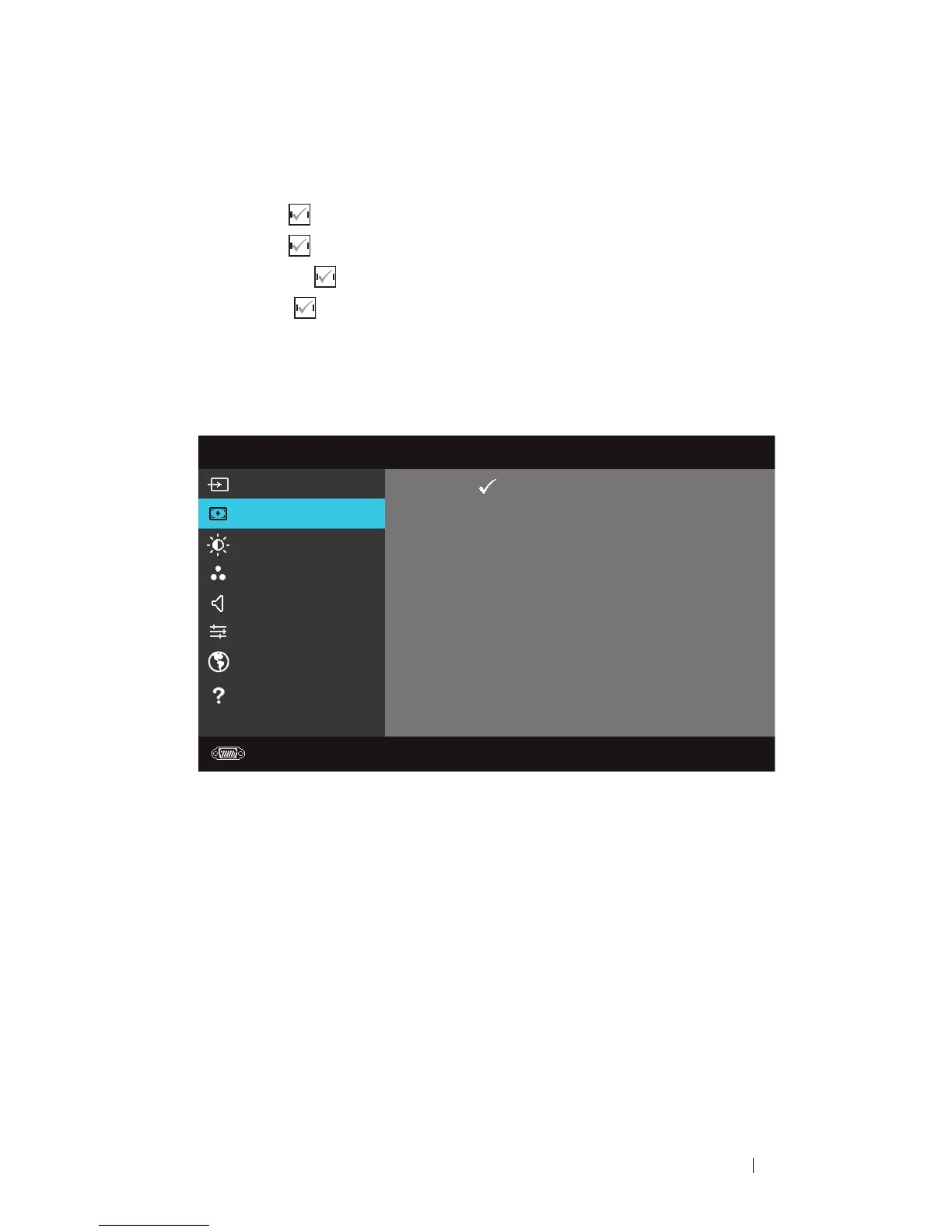
Auto Adjust
Auto Adjust automatically adjusts the projector's Frequency and Tracking in PC
mode.
Menu
Input Source
Auto Adjust
Brightness/Contrast
Video Mode
Volume
Advanced Settings
Language
Help
Dell
1420X
Resolution: 1400x1050
Press
to adjust the projector



 To Next Page