28 Using Your Projector
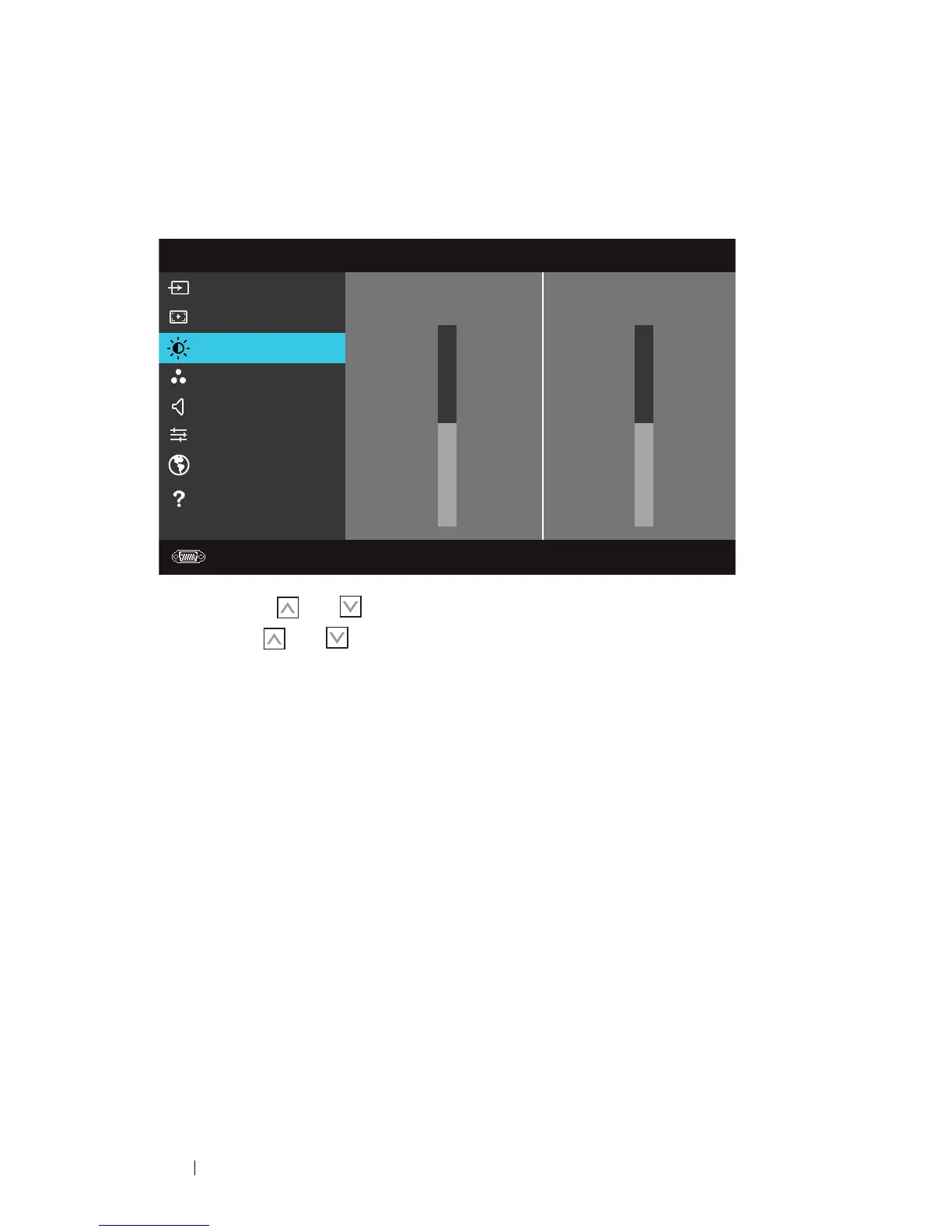
Brightness/Contrast
The Brightness/Contrast menu allows you adjust the brightness/contrast settings
of your projector.
BRIGHTNESS—Use
and
to
adjust the brightness of the image.
C
ONTRAST—Use
and
to adjust the display contrast.
Video Mode
The Video Mode menu allows you to optimize the display image: Presentation,
Bright, Movie, sRGB (provides more accurate color representation), and Custom
Menu
Input Source
Auto Adjust
Brightness/Contrast
Video Mode
Volume
Advanced Settings
Language
Help
Dell
1420X
Resolution: 1400x1050
Brightness
Contrast
50
50



 To Next Page