Using Your Projector 33
Display Settings (In PC Mode)
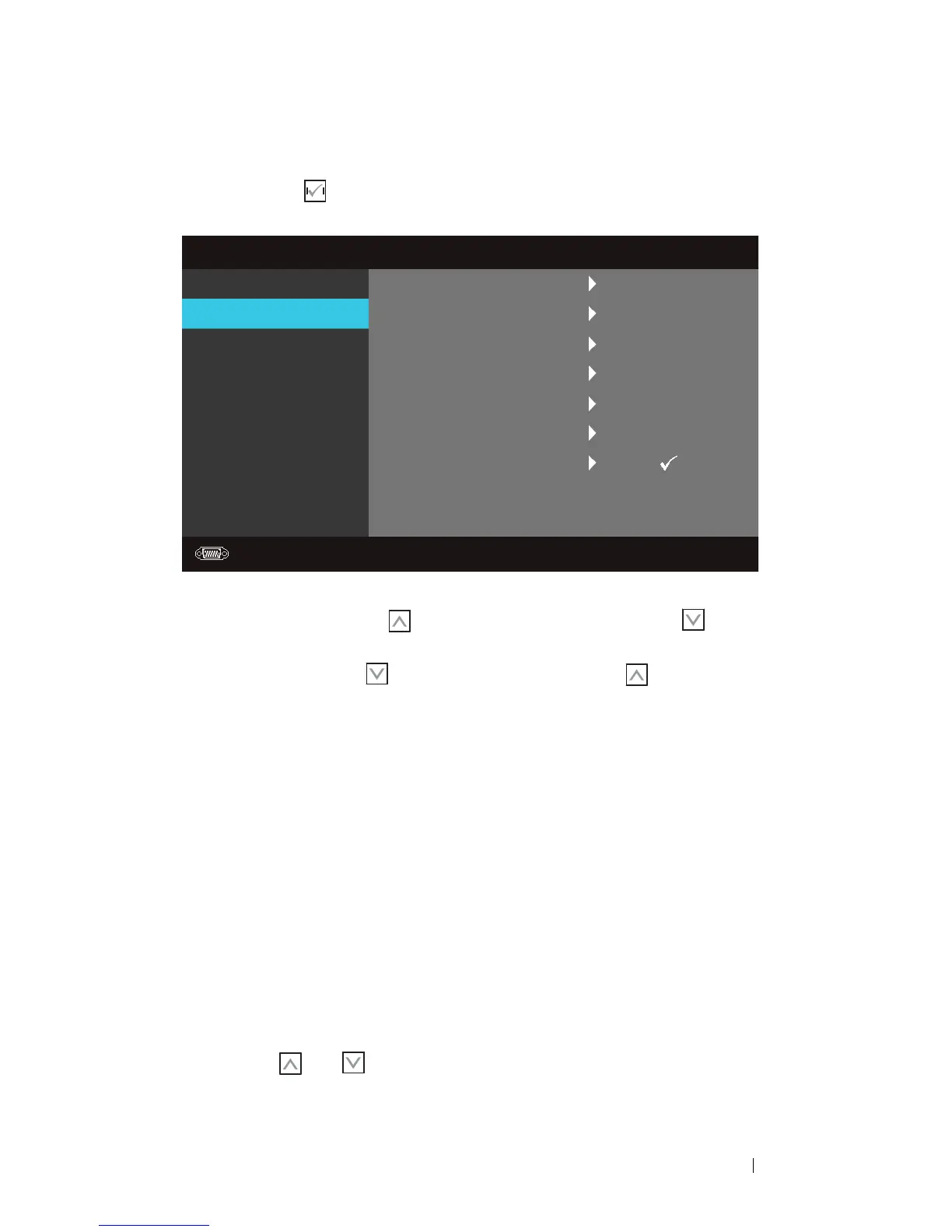
Select and press to activate Display settings. The Display settings menu
provides the following options:
HORIZONTAL POSITION—Press to move the image to the left and to move the
image to the right.
V
ERTICAL POSITION—Press to move the image down and to move the image
up.
F
REQUENCY—Allows you to change the display data clock frequency to match the
frequency of your computer graphics card. If you see a vertical flickering wave, use
Frequency control for coarse adjustment.
T
RACKING—Synchronize the phase of the display signal with the graphic card. If you
experience an unstable or flickering image, use Tracking to correct it. This is a fine
adjustment.
A
SPECT RATIO—Allows you to select the aspect ratio to adjust how the image
appears.
• Original — Select Original to maintain the aspect ratio of image projected
according to input source.
• 16:9 — The input source scales to fit the width of the screen to project a 16:9
screen image.
• 4:3 — The input source scales to fit the screen and projects a 4:3 image.
ZOOM—Press
and
to zoom the image.
Advanced Settings
Image Settings
Display Settings
Projector Settings
Menu Settings
Power Settings
Information
Dell
1420X
Resolution: 1440x1050
Horizontal Position
Vertical Position
Zoom
Zoom Navigation
50
0
X1
Press
Frequency
Tracking
Aspect Ratio
0
7
Original



 To Next Page