Confidential
2
Brun in
Set the monitor to Burn-In mode before burning in.
Casing output
Performance checking
Powering up with factory mode
Connect D-SUB signal and the power.
Hold ‘Auto’ and ‘Source’ keys at the same time for 5 sec to let the monitor power up in the factory mode.
D-SUB port
Use UXGA 60Hz with 5-Mosaic pattern to calibrate the ADCs.
Check the following preset timings with General pattern:
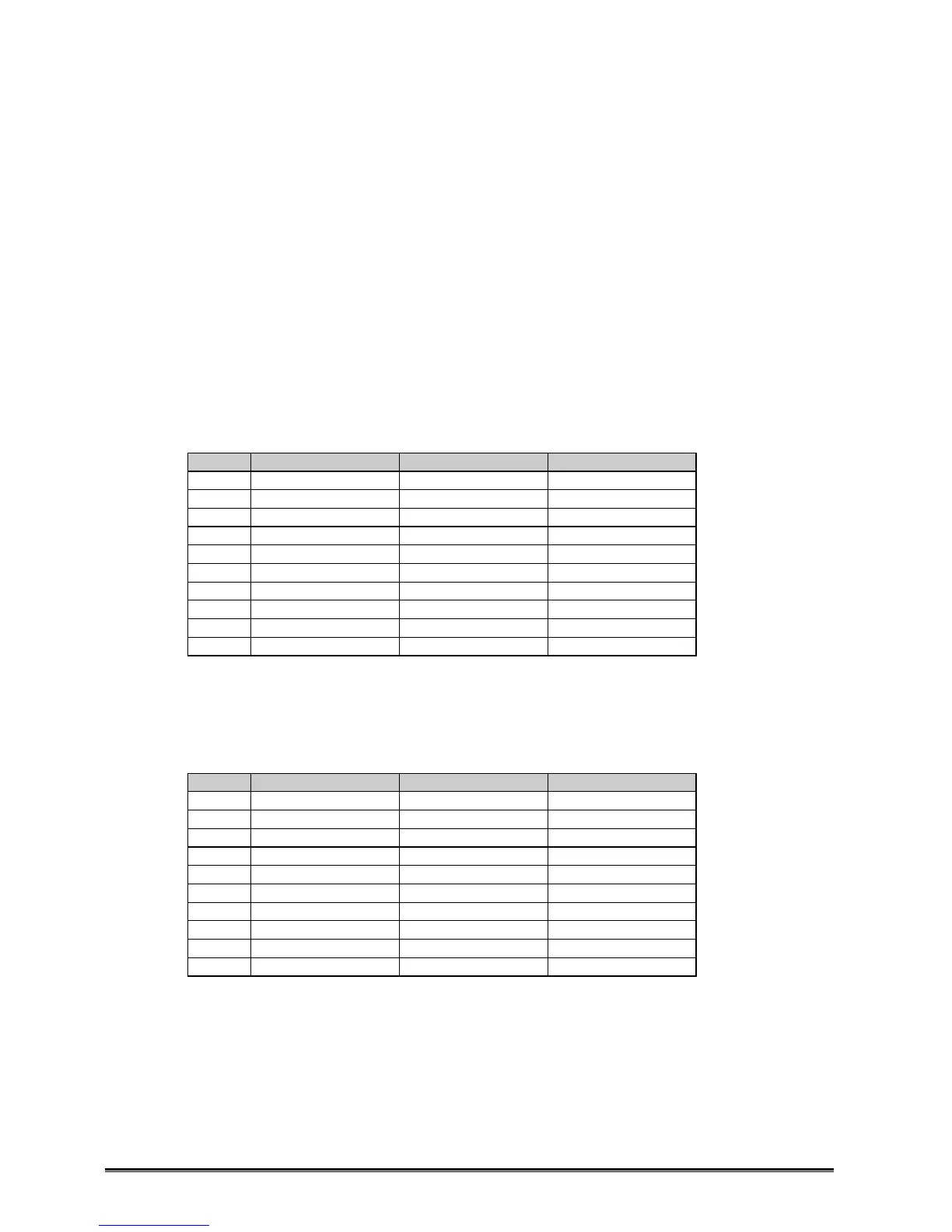
No. Mode H V
1 720×400 @ 70Hz 31.468 70.8
2 640×480 @ 60Hz 31.469 59.940
3 640×480 @ 75Hz 37.500 75.000
4 800×600 @ 60Hz 37.879 60.317
5 800×600 @ 75Hz 46.875 75.000
6 1024×768 @ 60Hz 48.363 60.004
7 1024×768 @ 75Hz 60.023 75.029
8 1280×1024 @ 60Hz 63.981 60.020
9 1280×1024 @ 75Hz 79.976 75.025
10 1600×1200 @ 60Hz 75.000 60.000
Press Auto-Adjustment if needed.
Check if the picture is OK and no jitters are found. Any noise on the picture will not be acceptable.
DVI port
Connect DVI-D signal.
Check the following preset timings with General pattern:
No. Mode H V
1 720×400 @ 70Hz 31.468 70.8
2 640×480 @ 60Hz 31.469 59.940
3 640×480 @ 75Hz 37.500 75.000
4 800×600 @ 60Hz 37.879 60.317
5 800×600 @ 75Hz 46.875 75.000
6 1024×768 @ 60Hz 48.363 60.004
7 1024×768 @ 75Hz 60.023 75.029
8 1280×1024 @ 60Hz 63.981 60.020
9 1280×1024 @ 75Hz 79.976 75.025
10 1600×1200 @ 60Hz 75.000 60.000
Check if the picture is OK and no jitters are found. Any noise on the picture will not be acceptable.










 To Next Page