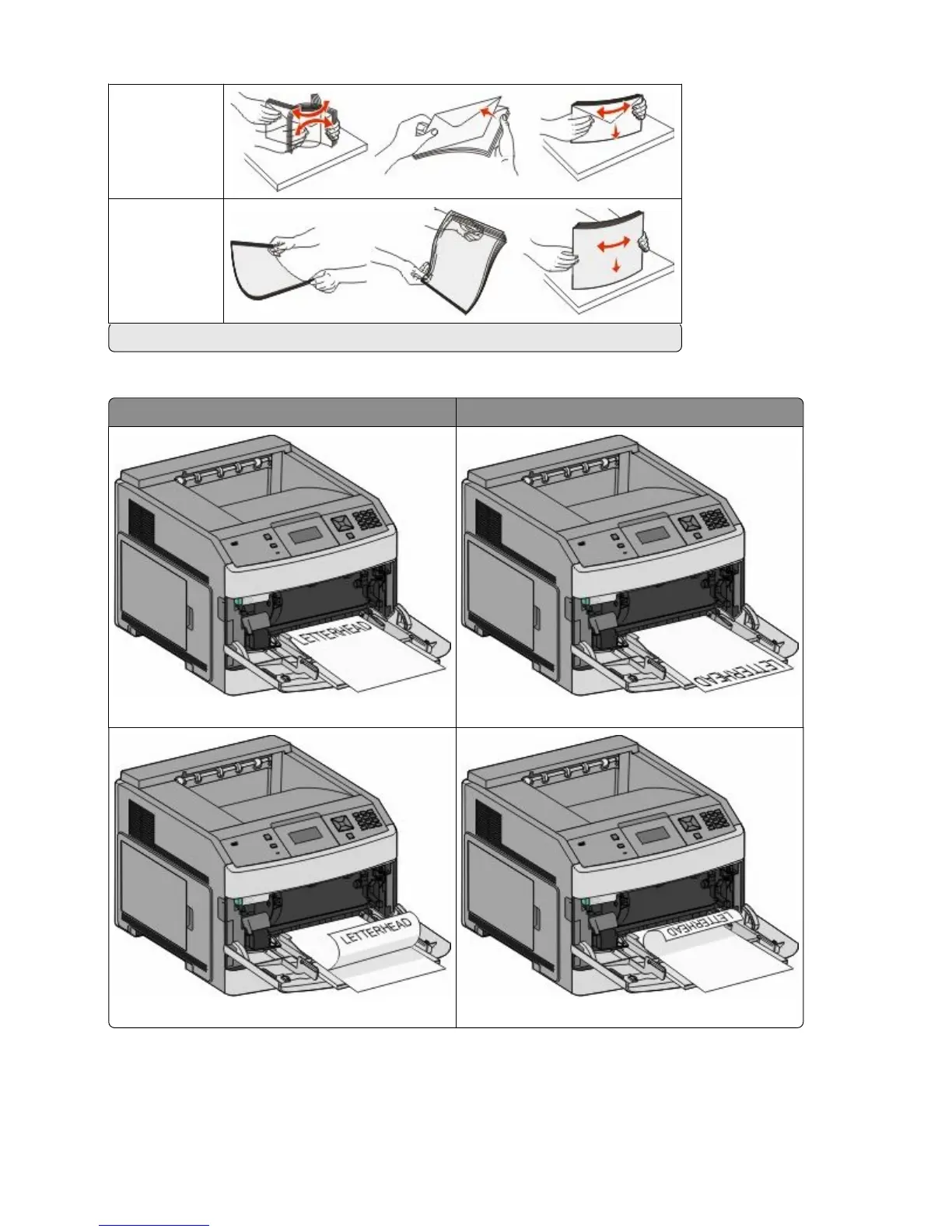
Envelopes
Transparencies*
* Avoid touching the print side of transparencies. Be careful not to scratch them.
5 Load the paper or specialty media. Slide the stack gently into the multipurpose feeder until it comes to a stop.
Without an optional StapleSmart II Finisher With an optional StapleSmart II Finisher
Single-sided printing Single-sided printing
Duplex (two-sided) printing Duplex (two-sided) printing
Loading paper and specialty media
58













 To Next Page