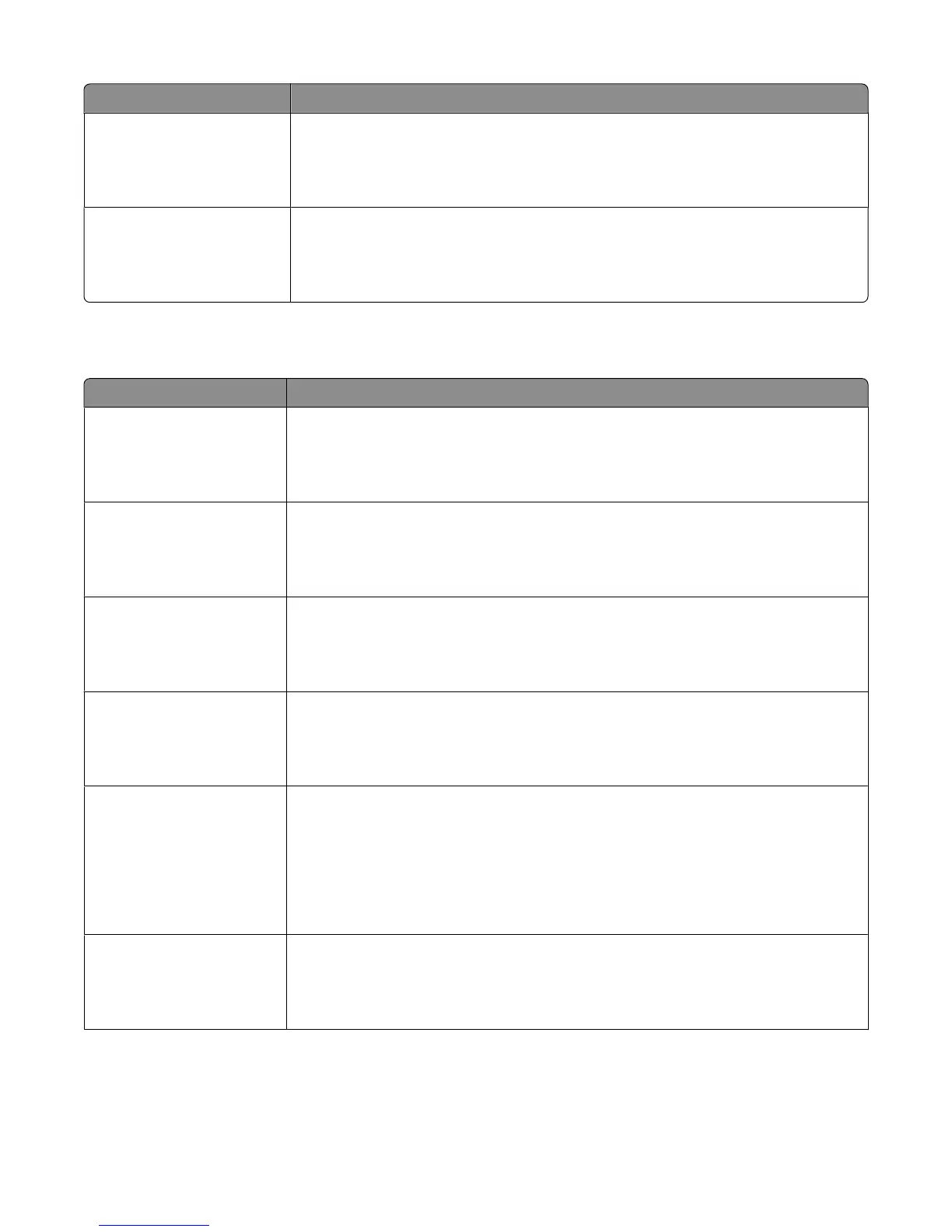
Menu item Description
Rough Texture
Smooth
Normal
Rough
Specifies the relative texture of the paper loaded in a specific tray
Note: Rough is the factory default setting.
Custom <x> Texture
Smooth
Normal
Rough
Specifies the relative texture of the custom paper loaded in a specific tray
Note: Normal is the factory default setting.
Paper Weight menu
Menu item Description
Plain Weight
Light
Normal
Heavy
Specifies the relative weight of the paper loaded in a specific tray
Note: Normal is the factory default setting.
Card Stock Weight
Light
Normal
Heavy
Specifies the relative weight of the card stock loaded in a specific tray
Note: Normal is the factory default setting.
Transparency Weight
Light
Normal
Heavy
Specifies the relative weight of the paper loaded in a specific tray
Note: Normal is the factory default setting.
Recycled Weight
Light
Normal
Heavy
Specifies the relative weight of the recycled paper loaded in a specific tray
Note: Normal is the factory default setting.
Labels Weight
Light
Normal
Heavy
Specifies the relative weight of the labels loaded in a specific tray
Notes:
• Normal is the factory default setting.
• Single-sided paper labels designed for laser printers are supported for occasional use:
no more than 20 pages a month. Vinyl, pharmacy, and dual-web labels are not
supported.
Bond Weight
Light
Normal
Heavy
Specifies the relative weight of the paper loaded in a specific tray
Note: Normal is the factory default setting.
Understanding printer menus
99











 To Next Page