Dave Pimm – Avid Technology – Dec 24th, 2014
Rev A
G.) O.S. setting recommendations for optimum performance with Avid Editing
applications:
The following links provide O.S. setting suggestions for ensuring optimum performance
when working with your Avid editing application with a Windows operating system.
- Optimizations for Video Editors - Windows 7
http://avid.force.com/pkb/articles/en_US/troubleshooting/en349411
H.) Set Windows “Visual Effects” for “best performance”:
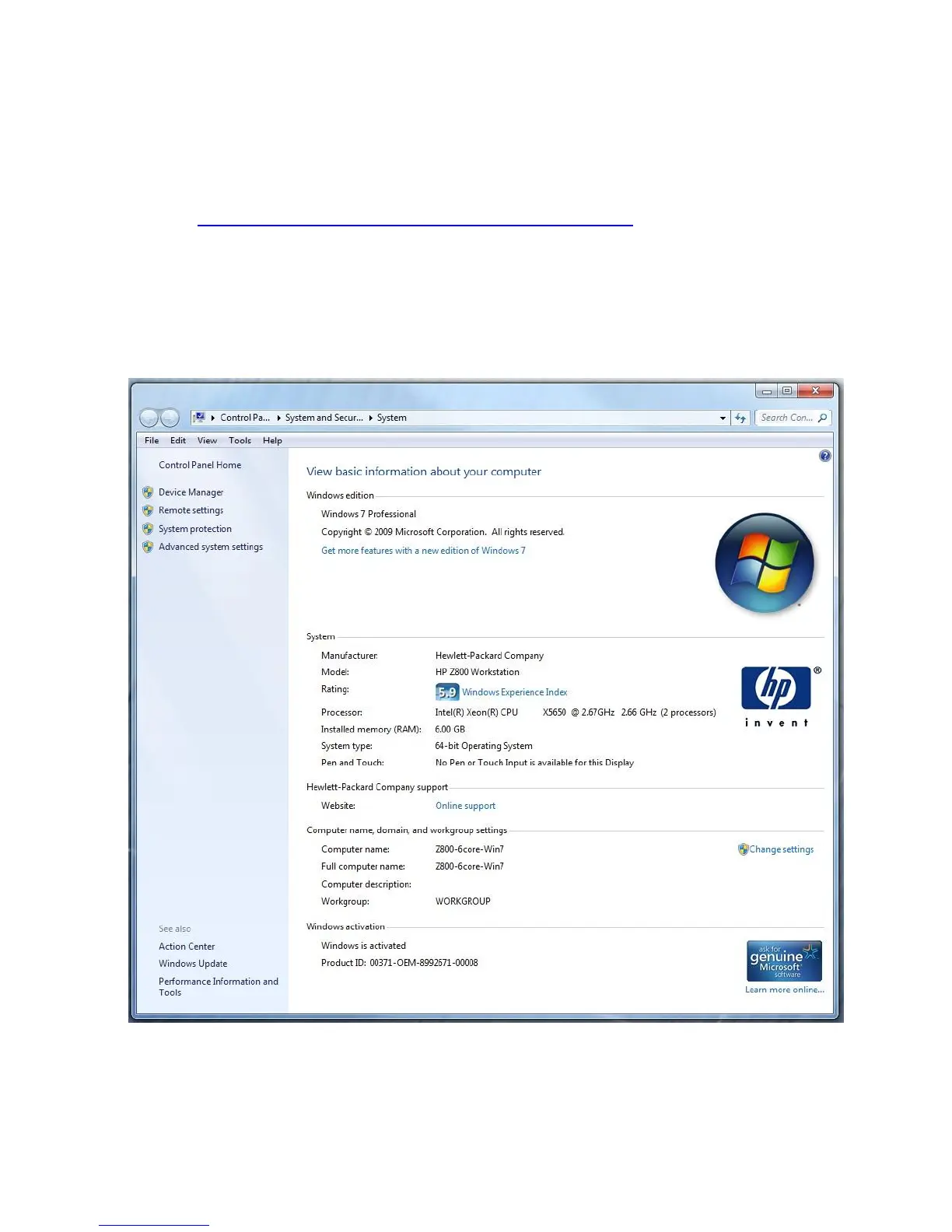
1. Right-Click on My Computer / Computer
2. Select Properties
3. The screen below will be displayed:
4. On the left side of the screen above, locate and select “Advanced system settings”










 To Next Page