Operating your monitor │ 23
Using the On-Screen Display (OSD) menu
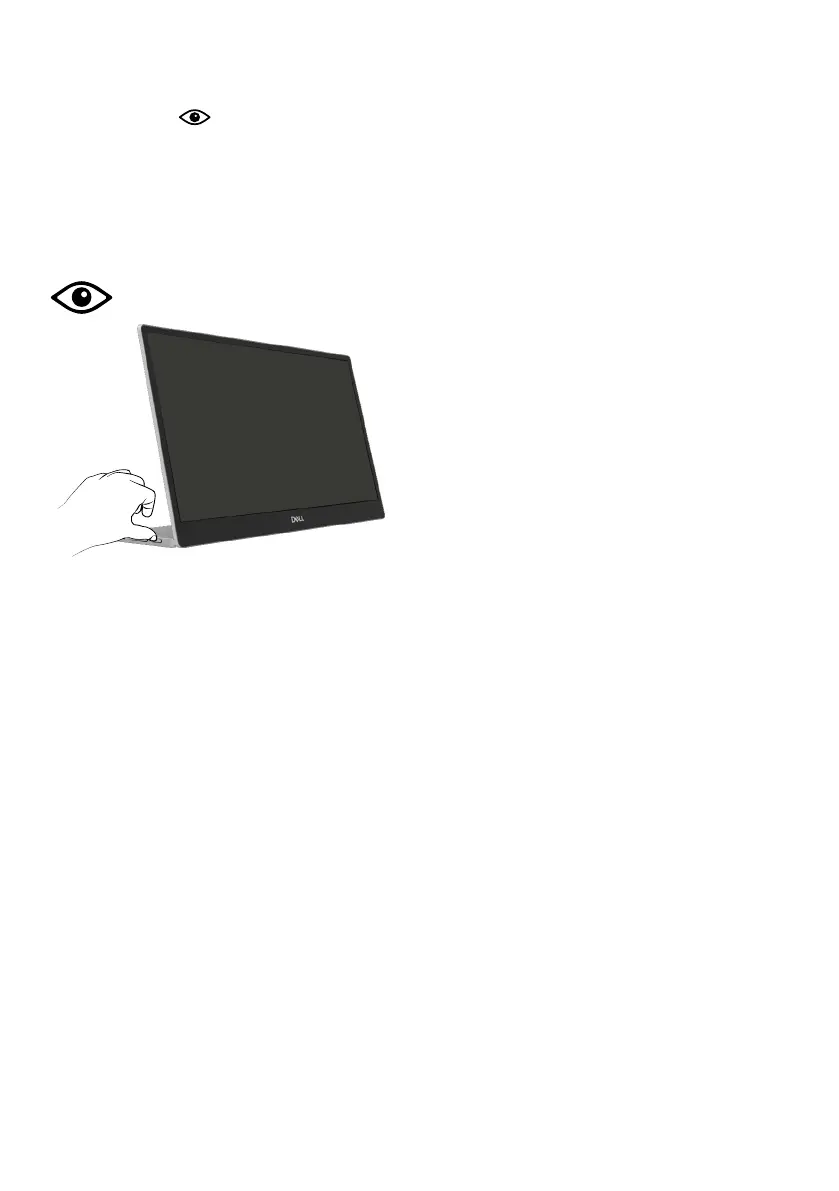
ComfortView
Decrease the level of blue light emitted from the screen to make viewing more comfortable
for your eyes.
The possible long-term effects of blue light emission from the monitor may cause damage to
the eyes such as eye fatigue and eye strain.
Press to enable/disable ComfortView.



 To Next Page