About Your Display | 9
Identifying Parts and Controls
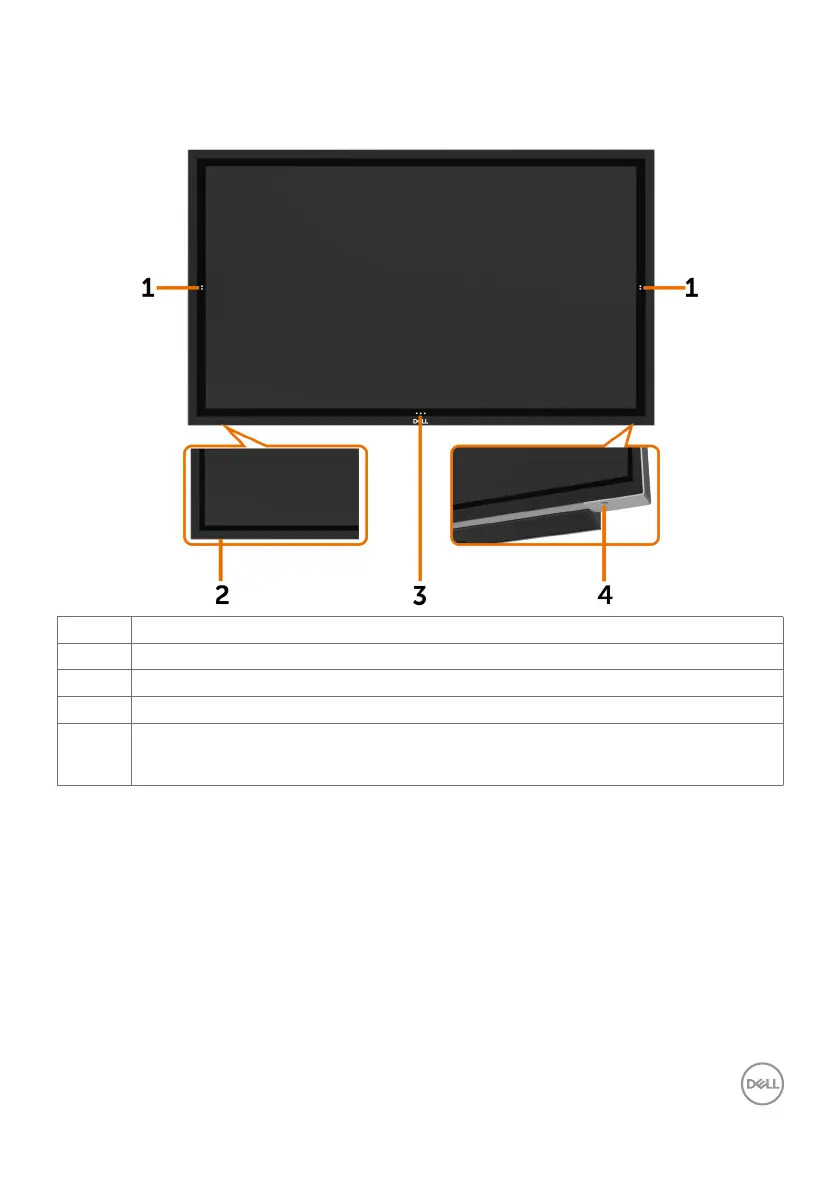
Front view
Label Description
1 Screen drop down touch key
2 IR Lens
3 OSD Launcher touch key (For more information, see Operating the Display)
4 Power on/off button (with LED indicator)
Solid white light indicates the monitor is turned on and functioning normally. Blinking
white light indicates the monitor is in Standby Mode.














 To Next Page