52 | Operating the Display
Dell Web Management for Displays
Before accessing the Dell Display Web Management feature, ensure the Ethernet is working
normally.
• Ethernet Enable
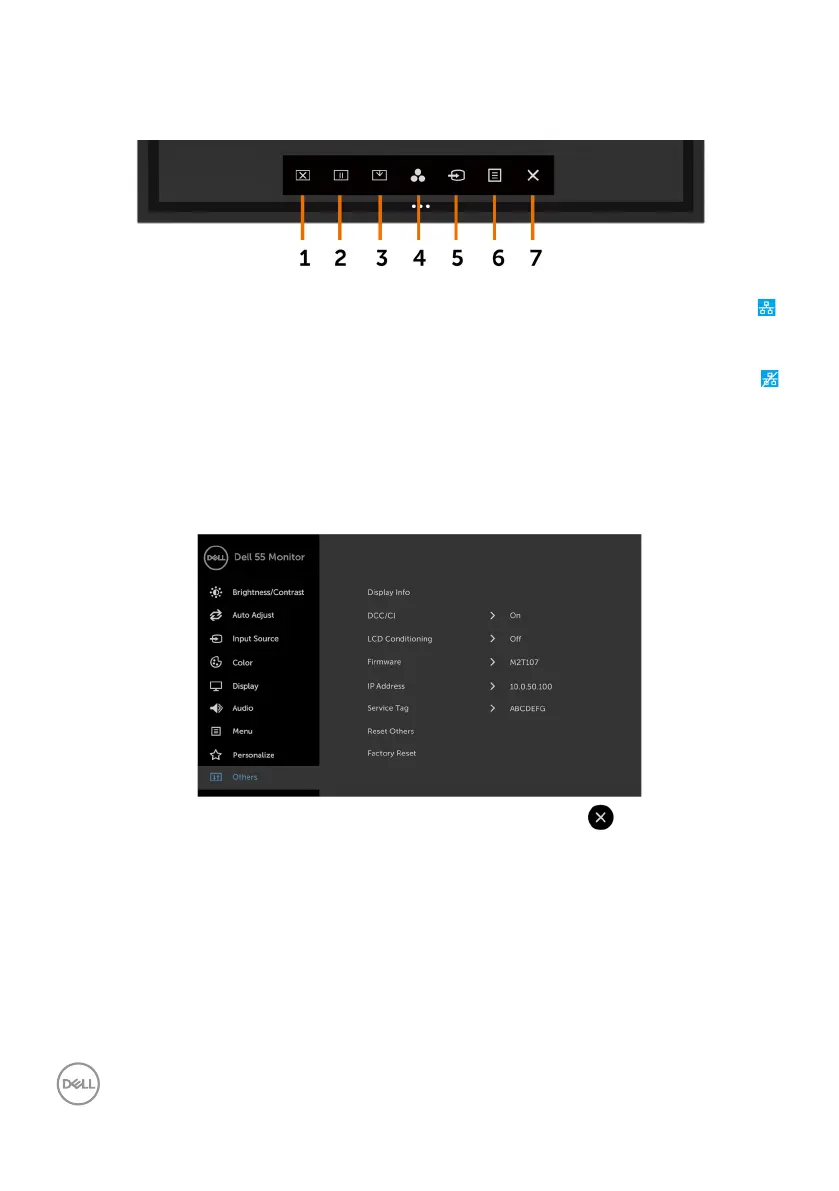
Touch and hold the touch key 5 on the front panel for 4 seconds to turn on , A network icon
appears and is shown on the center for 4 seconds.
• Ethernet Disable
Touch and hold the touch key 5 on the front panel for 4 seconds to turn off , A network icon
appears and is shown on the center for 4 seconds.
To access the Dell Display Web Management tool you need to set the IP Addresses for your
computer and the display.
1. Press the Menu key on the remote control to display the IP Address of the display, or by
navigating to OSD Menu > Others. By default, the IP Address is 10.0.50.100














 To Next Page