About Your Display | 13
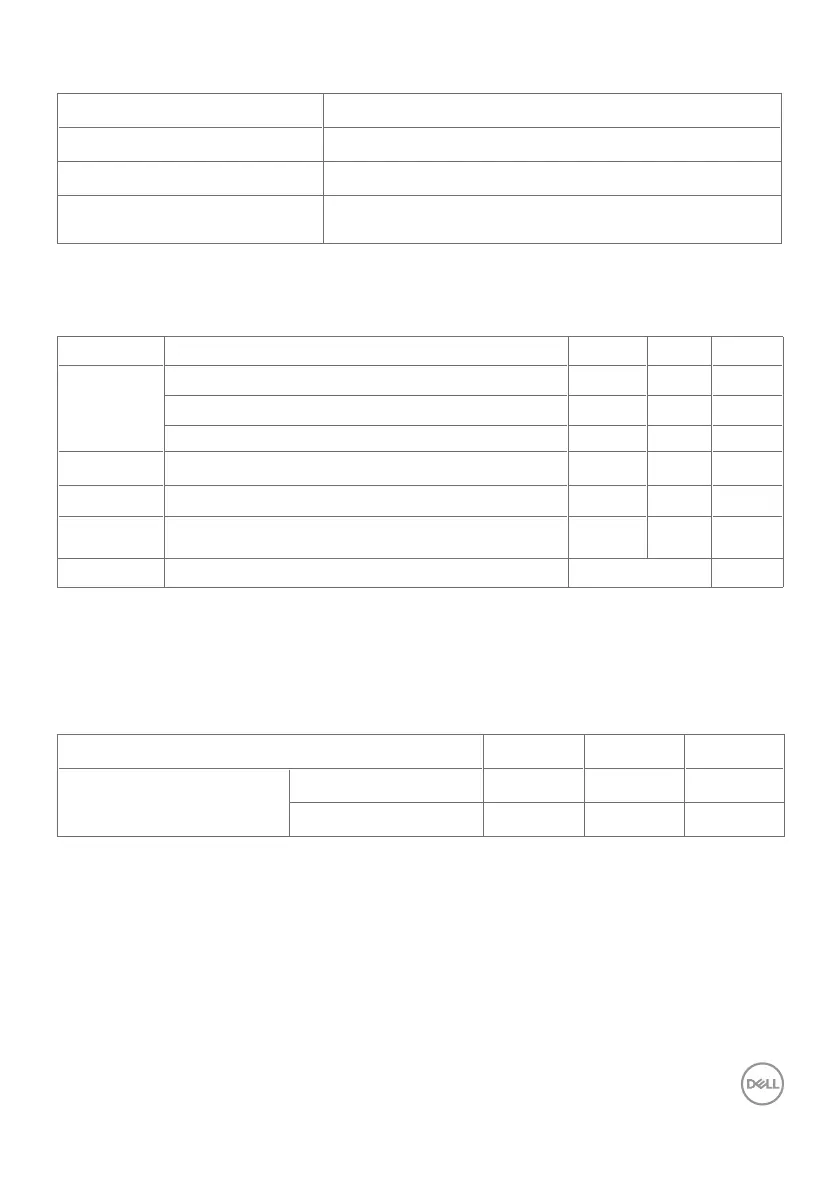
Touch
Type InGlass Touch Technology
TM
Input Method Bare finger and stylus
Interface USB HID Compliant
Touch point
Up to 20 points touch
Up to 4 pens
NOTE: Touch Pen and Eraser differentiation ready (functionality subject to application).
Support OS
OS Version Touch Pen Eraser
Windows 7 Pro and Ultimate 20 4 1
8, 8.1 20 4 1
10 20 4 1
Chorme OS Linux kernel version 3.15 (3.10) or later
1
20 4 (0) 1 (0)
Android 4.4 (KitKat) with Linux kernel 3.15 (3.10) or later
1
20 4 (0) 1 (0)
Other Linux
based OS
Linux kernel 3.15 or later 20 4 1
macOS 10.10, 10.11 1 (mouse
2
) No
1
Functionality of Linux kernel has been verified on Ubuntu 14.04 and Debian 8. Functionality of
Chrome OS and Android with Linux kernel 3.15 needs comfirmation.
2
Mouse emulation in landscape mode. Full multi-touch requires additional drivers on the host
system.
Touch sensor input accuracy
Ty p
1
Max
2
Unit
Touch sensor input accuracy
Center area
3
1.0 1.5 mm
Edge area
4
1.2 2.0 mm
1
Average accuracy at the specified input area.
2
95-percentile accuracy of specified input area.
3
>20 mm from active touch area edge
4
>20 mm from active touch area edge
Note that touch sensor input accuracy is defined relative to the active touch area as defined in
the reference drawing (listed in 8.1). The overall system accuracy, of touch co-ordinates relative
to display co-ordinates, is directly affected by integration assembly tolerances.












 To Next Page