36 | Operating the Display
Using the OSD lock function
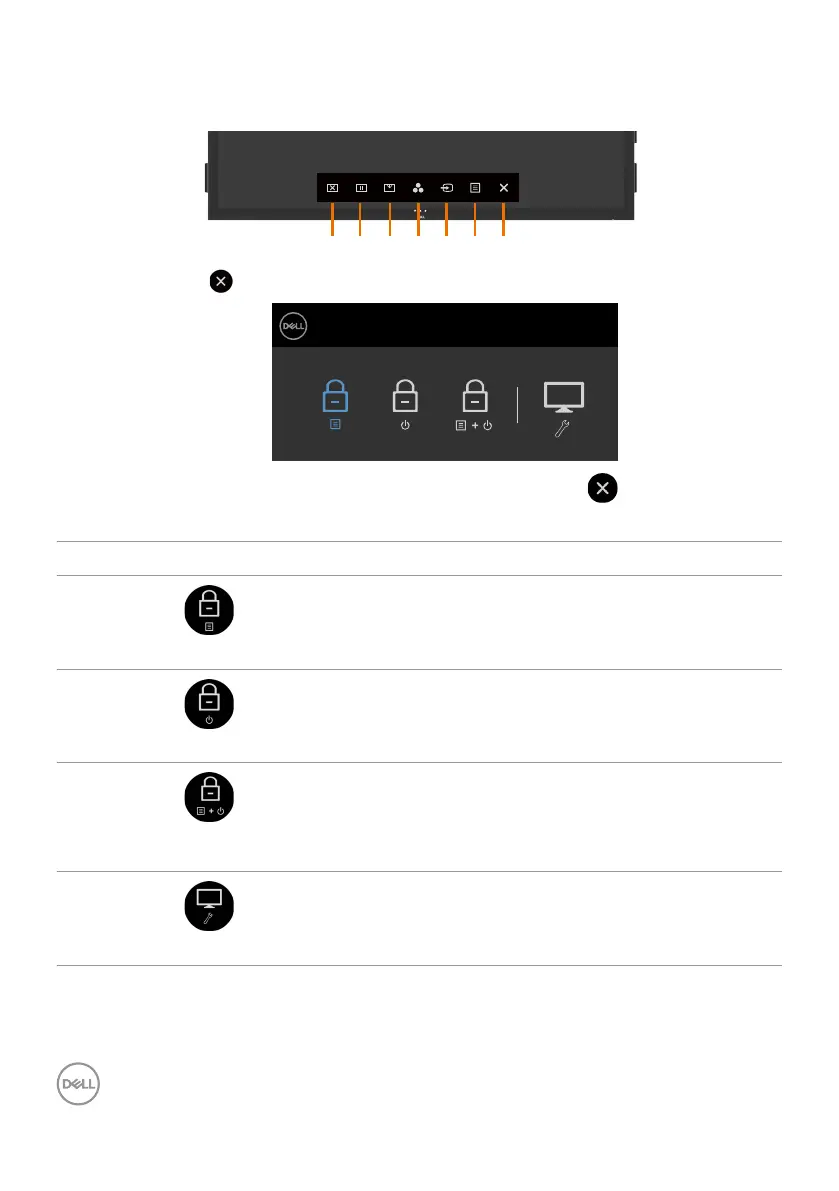
1. Press the OSD launcher touch key.
1 2 3 4 5 6 7
2. Touch and hold for 5 seconds. you can see following select option:
Dell 75 Monitor
C7520QT
Select Option:
The following table describes the touch control icons:
Options Description
1
OSD menu lock
Use this icon to lock OSD menu function.
2
Power-off button lock
Use this icon to lock power button from powering off.
3
OSD menu and power
button lock
Use this icon to lock OSD menu and power button from
powering off.
4
Built-in Diagnostics
Use this icon to run the built-in diagnostics, see Built-in
Diagnostics.












 To Next Page