Operating the Display | 37
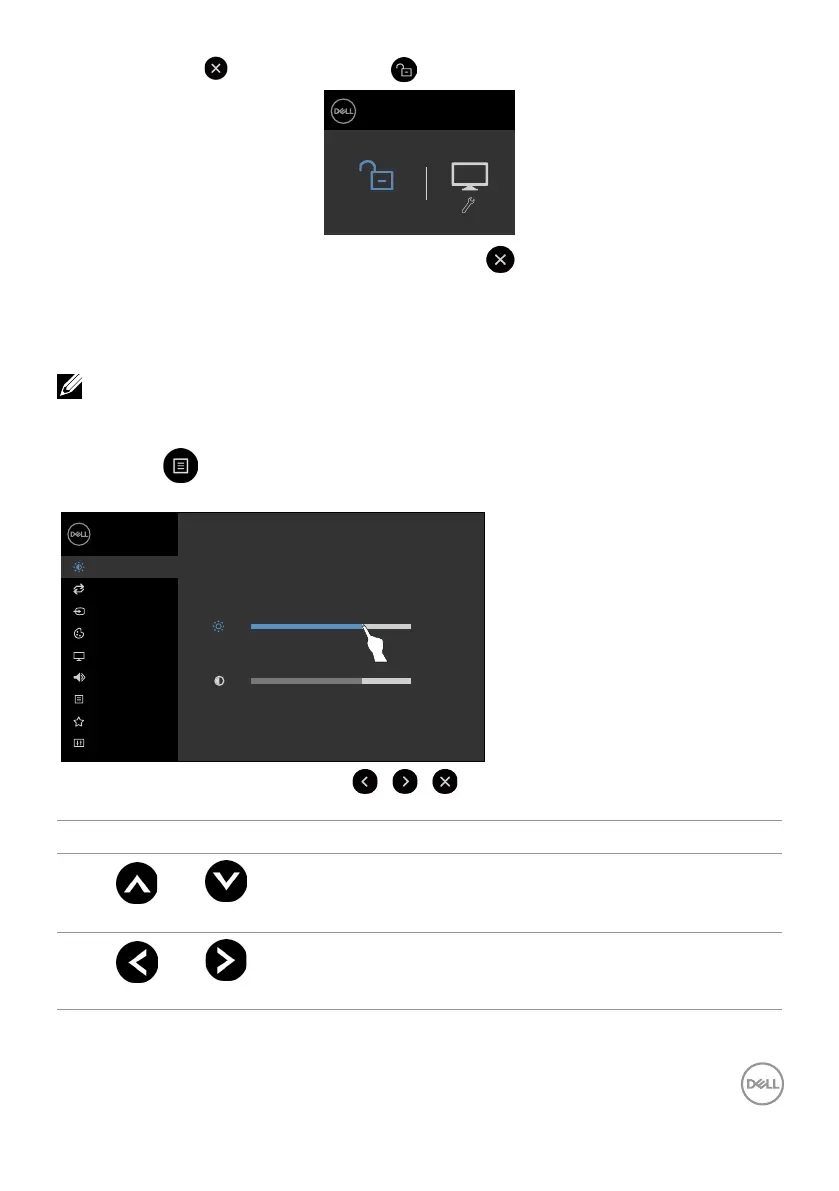
3. Touch and hold for 5 seconds, touch to unlock.
Dell 75 Monitor
C7520QT
Select Option:
Using the On-Screen Display (OSD) Menu
Accessing the Menu System
NOTE: Any changes you make using the OSD menu are automatically saved if
youmove to another OSD menu, exit the OSD menu, or wait for the OSD menu
todisappear.
1 Press the icon on the remote control or OSD Launcher touch key to launch the OSD
menu.
Brightness/Contrast
Others
Menu
Color
Display
Input Source
75%
75%
Dell 75 Monitor
Auto Adjust
Audio
Personalize
Use the icons to adjust the image settings.
Touch control icon Description
1
Up Down
Use the Up (increase) and Down (decrease) icons to adjust
items in the OSD menu.
2
Left Right
Use the Left (decrease) and Right (increase) icons to adjust
items in the OSD menu.












 To Next Page