6 | About Your Display
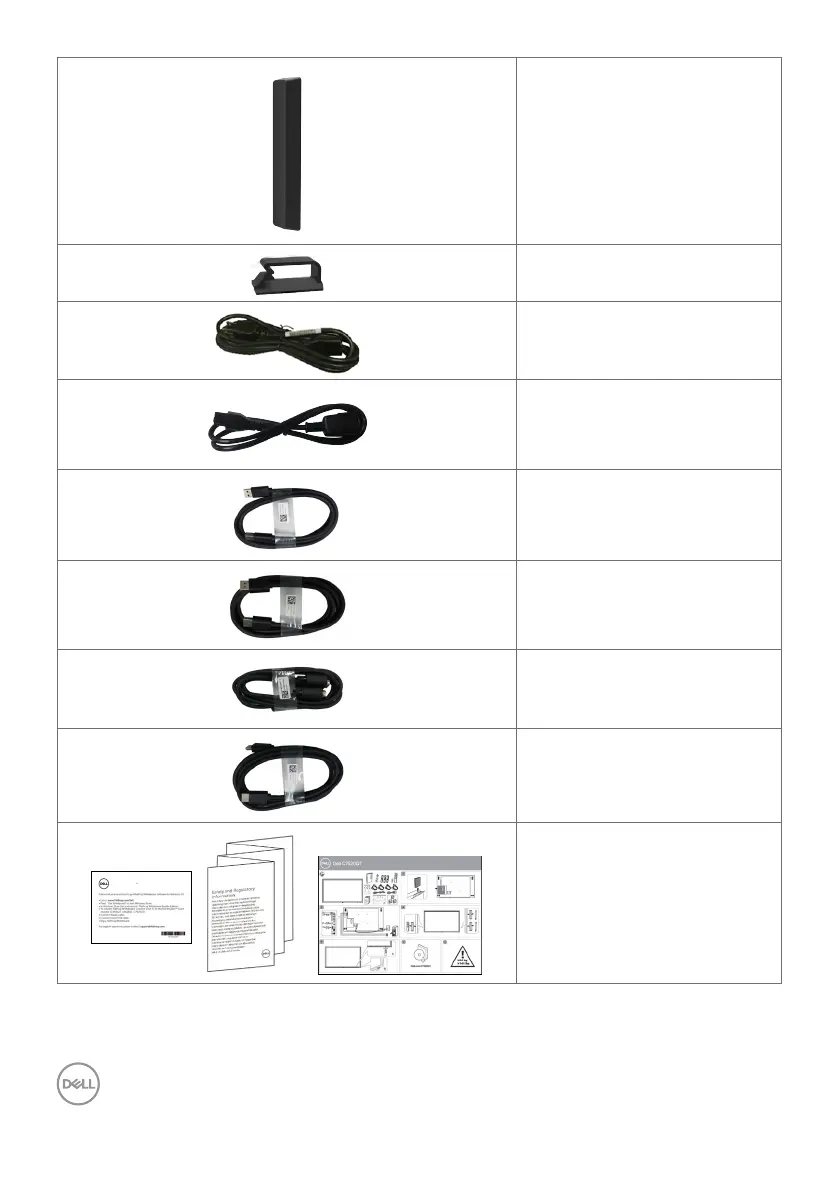
(Remote control & Stylus holder)
x 3
Wire Saddle x 3
Power cable (varies by country)
Power cable for connecting
Optiplex system to display
(see Optiplex (Optional))
USB 3.0 upstream cable (enables
the USB ports on the display)
DP cable (DP to DP)
VGA cable
HDMI cable
• Flatfrog Whiteboard
Software download
instruction
• Safety, Environmental and
Regulatory Information
• Quick Setup Guide












 To Next Page