10 │ Connecting Dell Cast
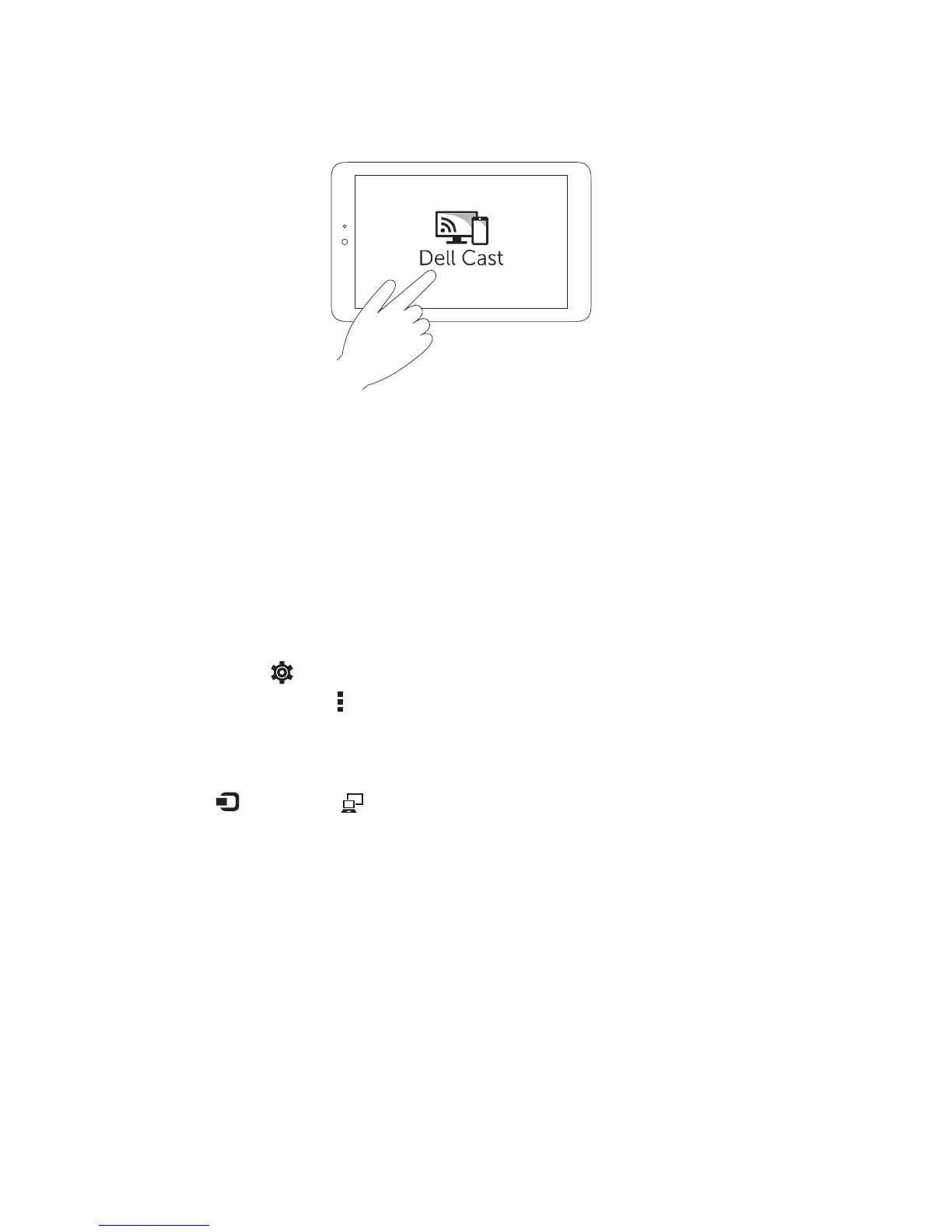
6. Launch Dell Cast app on your tablet and follow the instructions on the
screen to set up Dell Cast.
Productivity mode
Productivity mode provides a desktop experience.
By default, Dell Cast launches in productivity mode.
Mirror mode
Mirror mode replicates the user interface of the tablet.
To activate mirror mode:
Android
1. Tap Settings → Display → Cast Screen.
2. Tap the menu icon → Enable wireless display.
Windows
Swipe in from the right edge of the screen to access the charms, and then
tap Devices → Project → Duplicate.



 To Next Page