6 │ Features
Features
2
1
3
4
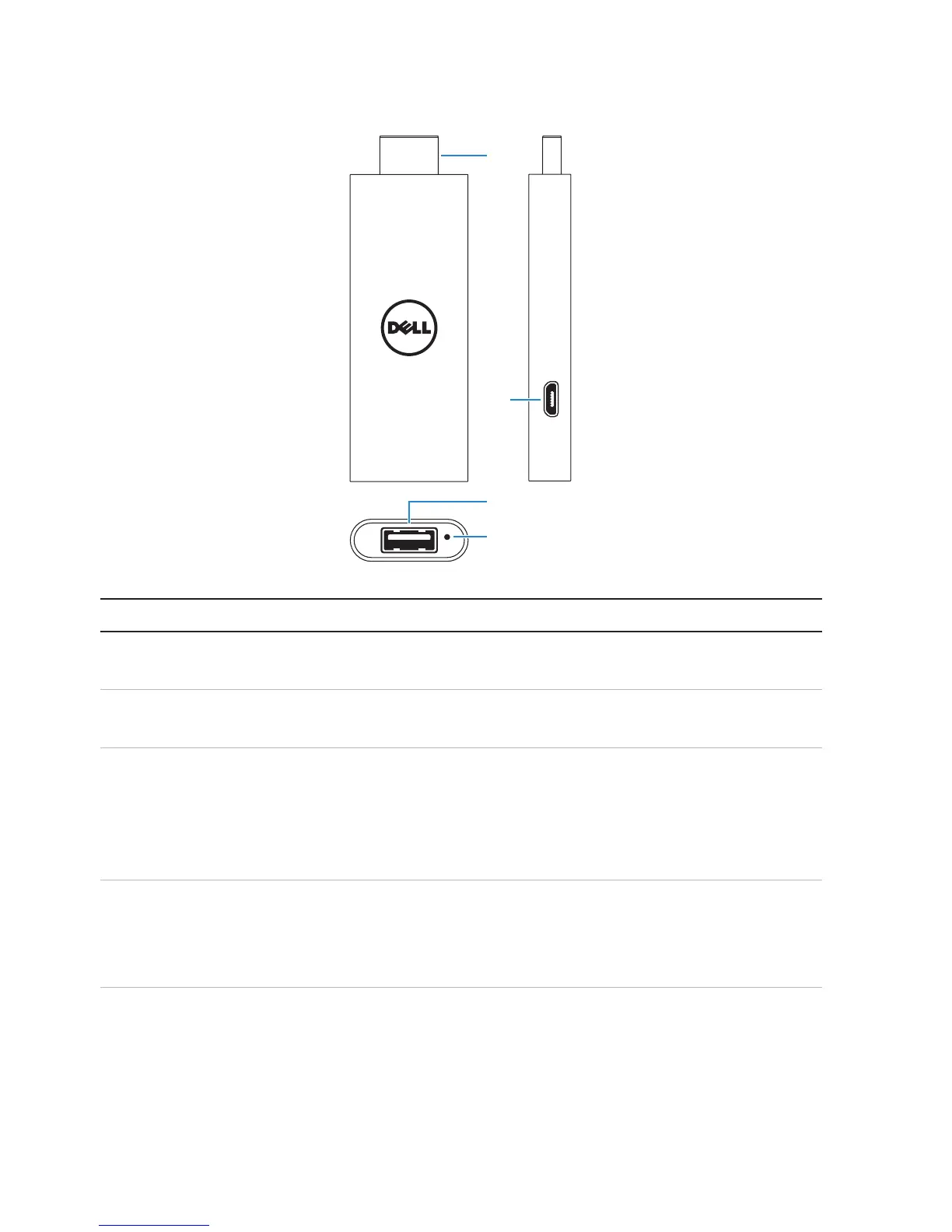
Part Functionality
1 HDMI connector Connect to an HDMI-port on display devices
such as TV, monitor, and so on.
2 Micro-USB port Connect a micro-USB cable to provide power to
the adapter.
3 USB port • Connect the receiver for a wireless keyboard
and mouse.
• Connect a wired keyboard.
• Connect a USB-hub to simultaneously
connect wired keyboard and mouse.
4 Reset pinhole Press the reset button in the reset pinhole for
2seconds using a paper clip to reset Dell Cast.
For more information, see “Resetting Dell Cast”
on page 12.



 To Next Page